

One Data Model
Based on Microsoft SQL Server 2025 – no data silos, unified table logic, consistent references & audit-proof traceability.
All-in-One Business Management
The integrated enterprise solution unites all ERP business processes.
Easy to use, infinitely expandable, future-proof, globally deployable & high-performing.
All company data within a single MS SQL database.
 Article
 Partner
 Price management
 Warehouse
 Employee
 Text Blocks
 Projects
 Event Resources
 Attachments
 Translations
 Sales
Sales Purchase
 Relationship Map Stock
 Pick
Pick Pack
Pack Shipping
 Production
 Procurement Wizard
 Field Service
 Device Service
 Contract Management
 Approvals
 CRM
CRM Intercom
 Wiki
Wiki Bulletin
 Archiving
 E-Memos
 Email
Email Calendar
 DMS
DMS AI Assist
 Open Item Management
 Payment Transactions
 Dunning
 Costing
 Fixed Assets Accounting
 Account Determination
 Continuous Inventory Valuation Postings
 Dynamic Document Chain
 Output Control
 Desktop Configurator
 Report Designer
 Dashboard Designer
 Extra Tables
 Extra Fields
 Formatted Search
 Toolbox fields
 Toolbox validation
 Toolbox buttons
 Toolbox import/export
 EDI (ZUGFeRD and XInvoice) DATEV Interface ELSTER Export INTRASTAT Report DSGVO GoBD
X-ERP Overall Overview
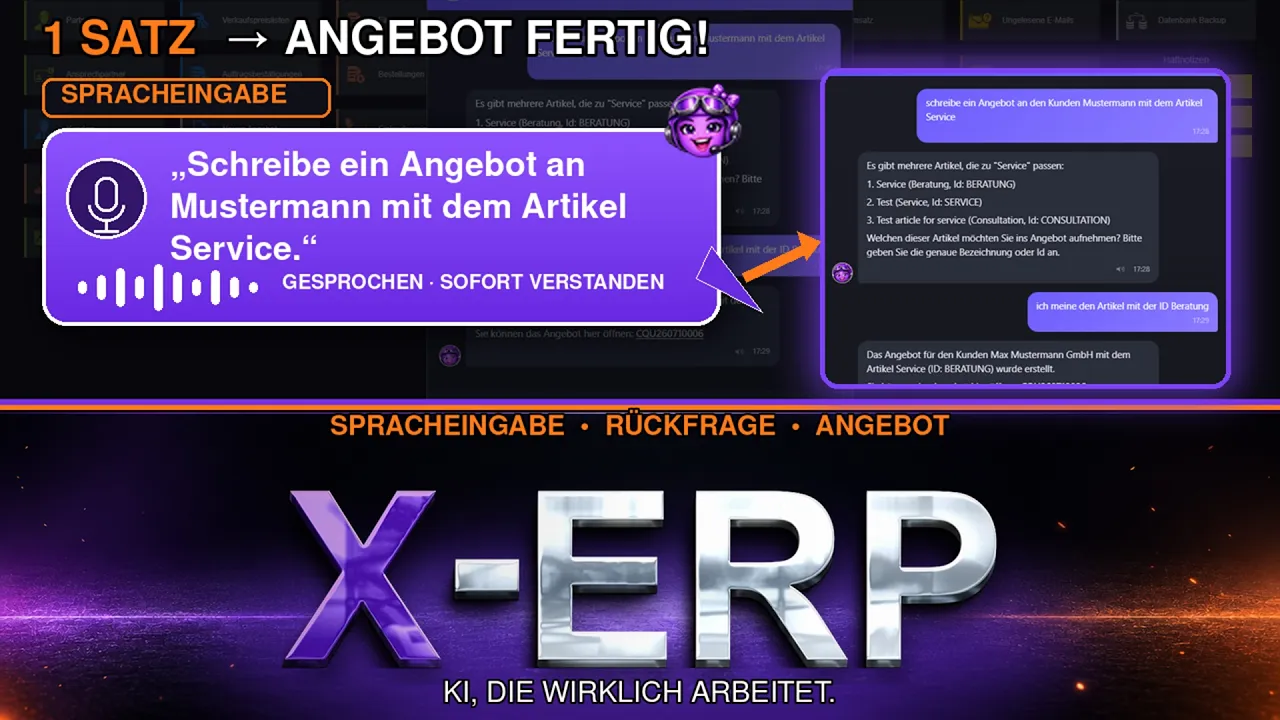
AI Voice Assistant
Everything in one place
Video Training
 Portal apps
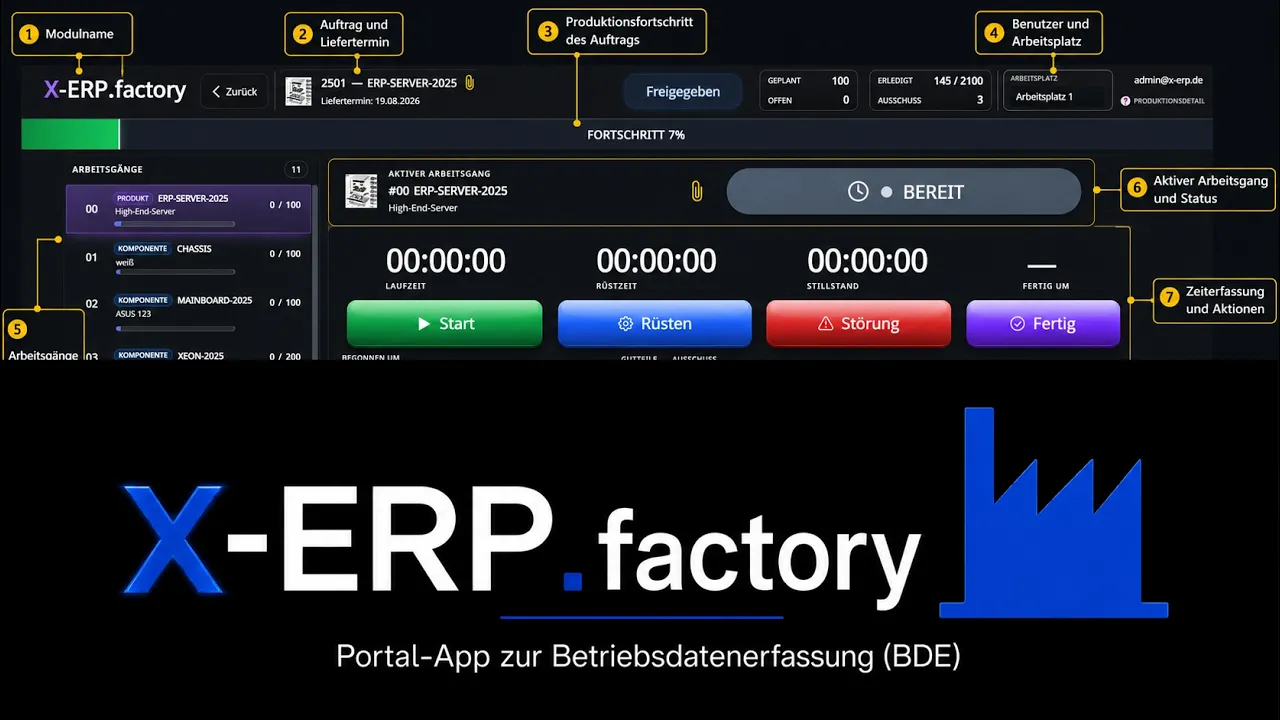
Data Acquisition
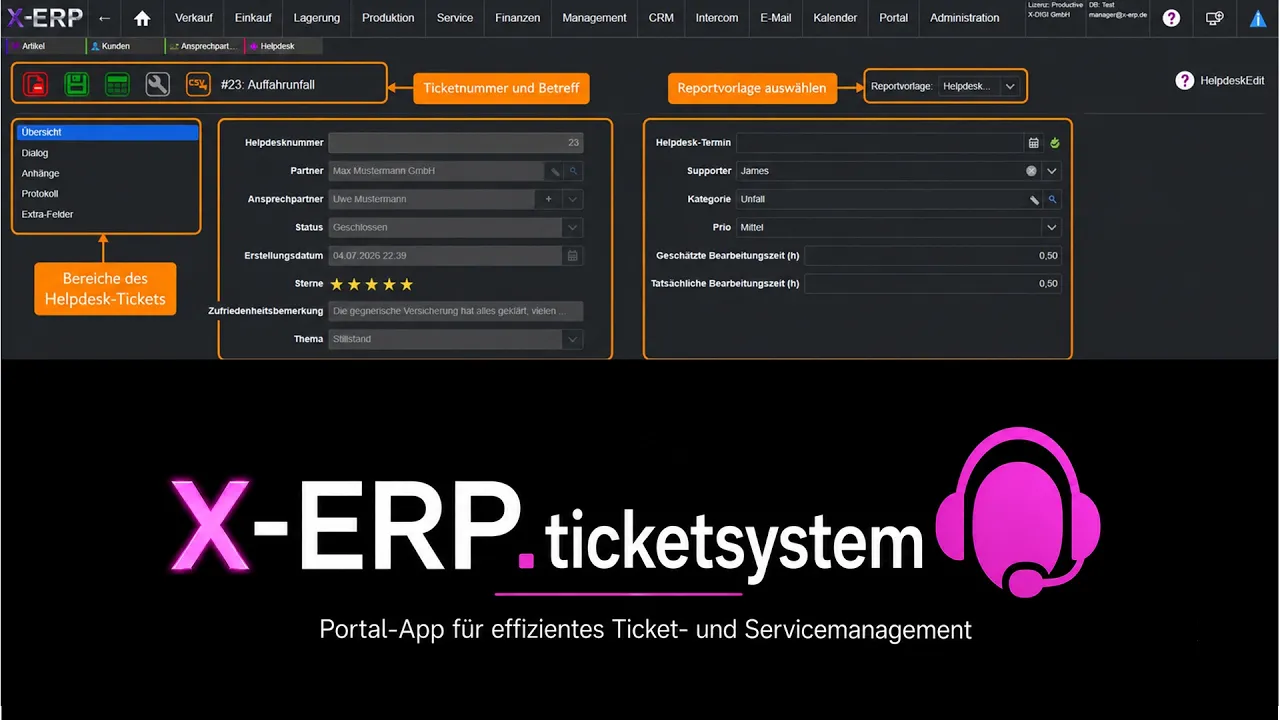
Ticket system
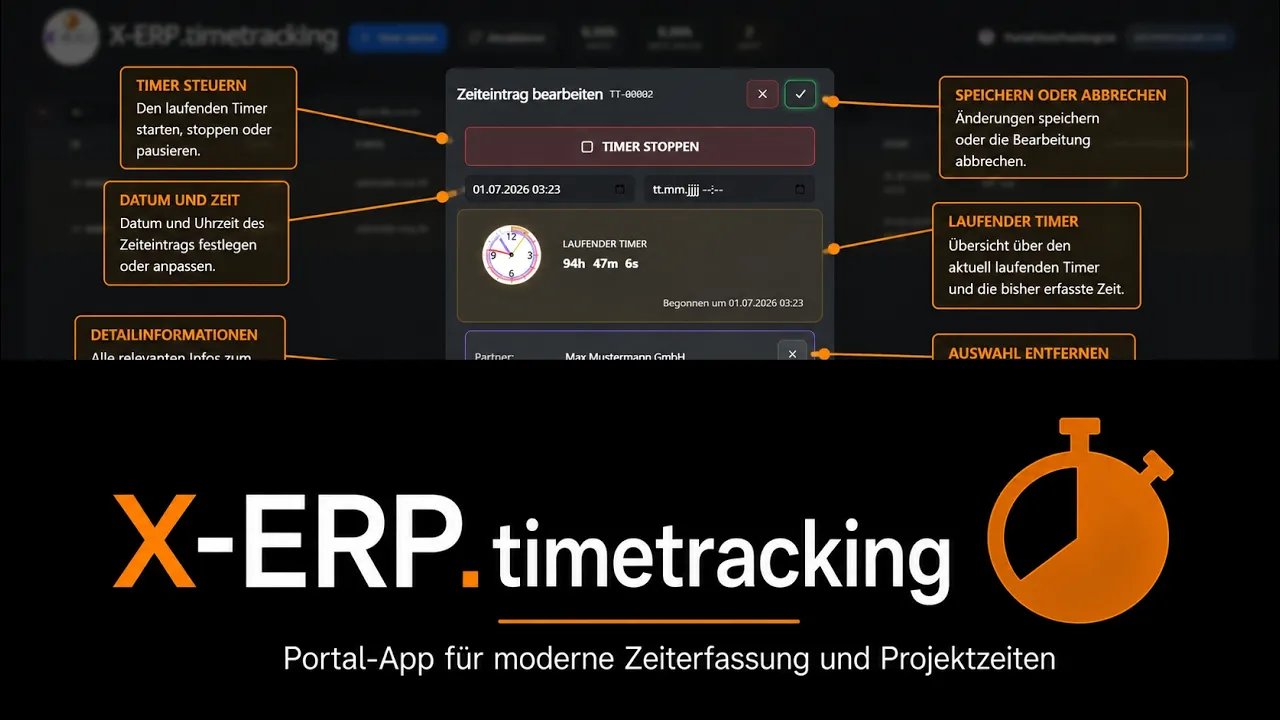
Time Tracking
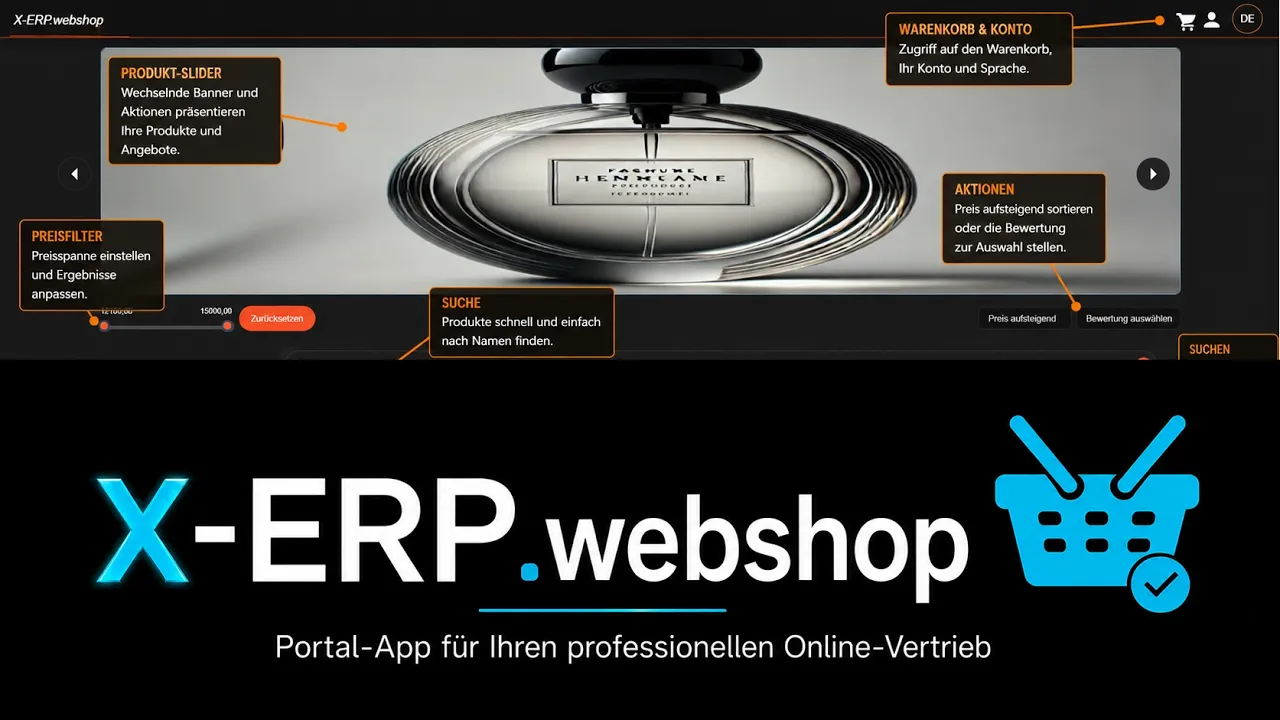
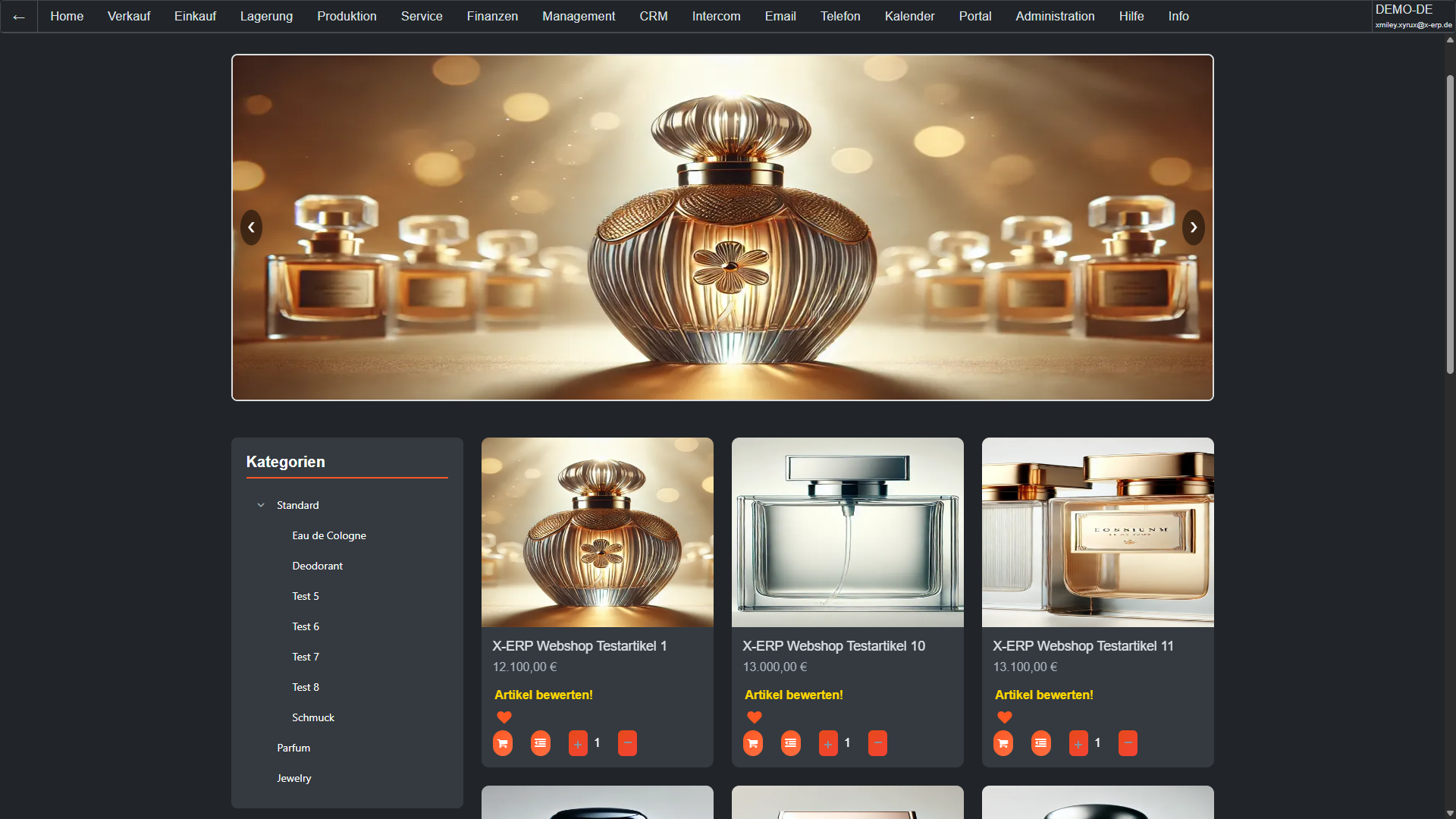
Webshop
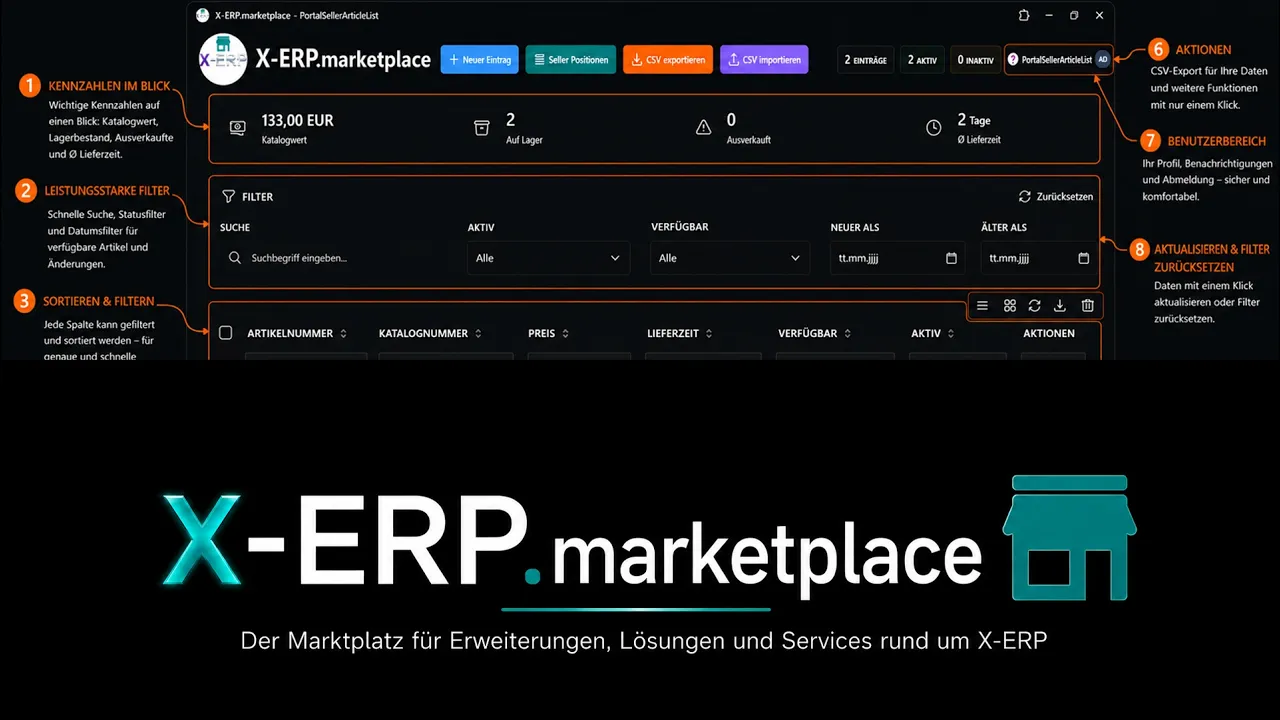
Marketplace
A unified Microsoft SQL data core, modern .NET technology & a UI – instead of fragmented modules. Stable, scalable & upgrade-safe.
Based on Microsoft SQL Server 2025 – no data silos, unified table logic, consistent references & audit-proof traceability.
Optimized for fast queries & high concurrency – from 1 to 10,000 users. Scalable through horizontal instances.
Extra tables, extra fields, extra pages, extra buttons, formatted search, desktop configurator & plugins – extend instead of forking.
>50 languages and localizations, multi-currency capable, country-specific packages & full localization.
Current .NET stack, role-based rights, encrypted transmission & audit-proof logging.
Open interfaces for integrations, automation & connection of external systems.
Fully multi-tenant – separate tenants, transparent intercompany processes & consolidation.
Can be used autonomously – extensions remain upgradable without core manipulation.
Start flexibly – switch freely: as a cloud or on-premises solution. Usable via browser / PWA. Simple backups, clear updates & integrated security.
Freedom of choice: location, infrastructure & operating model – migration reversible at any time.
Intuitively operable Progressive Web App: desktop feel, offline robustness & central updates.
Integrated monitoring & simple backup – complete data consistency thanks to a unified database.
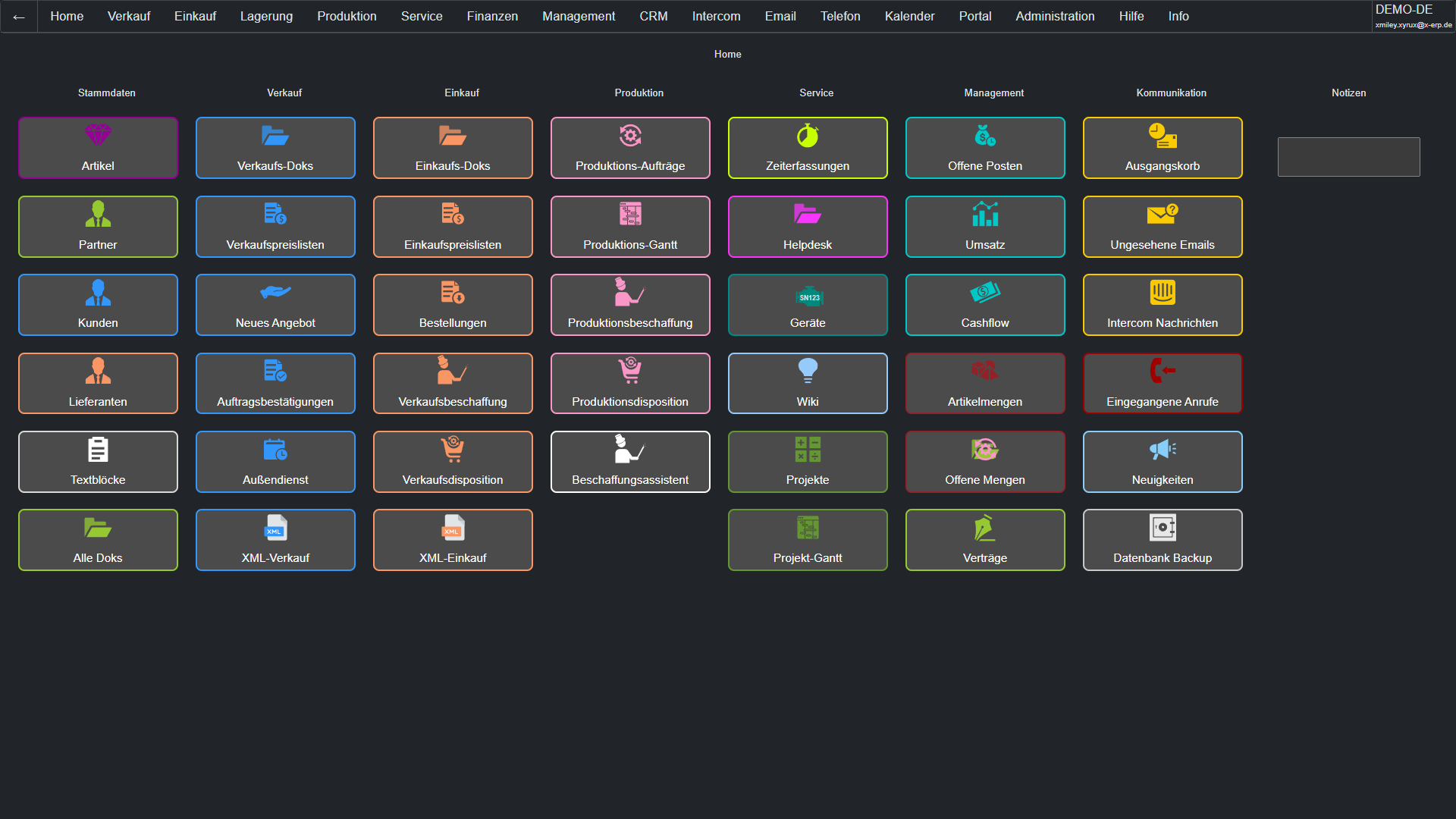
All modules & functions of X-ERP at a glance – with the most important subpoints.
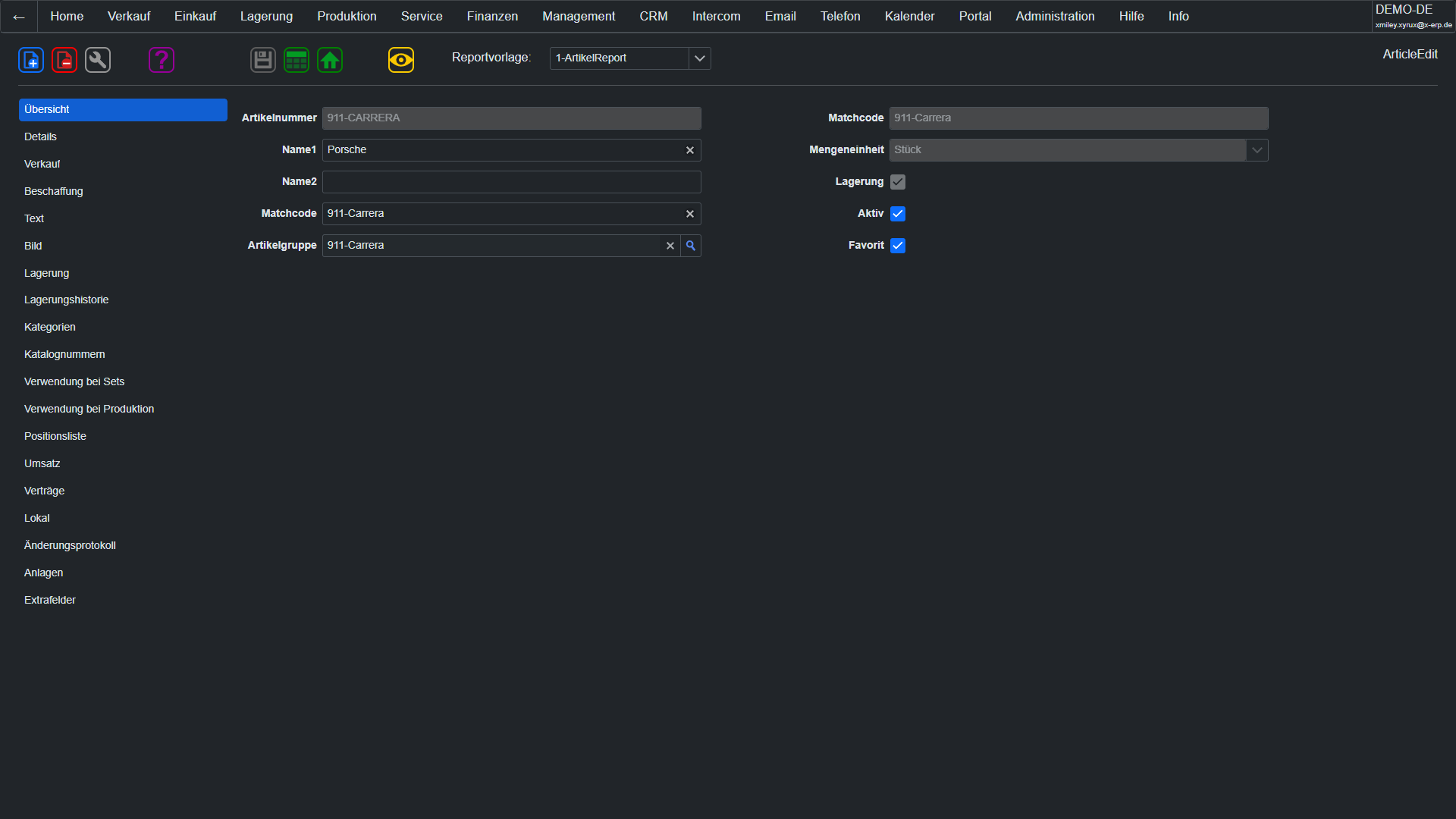
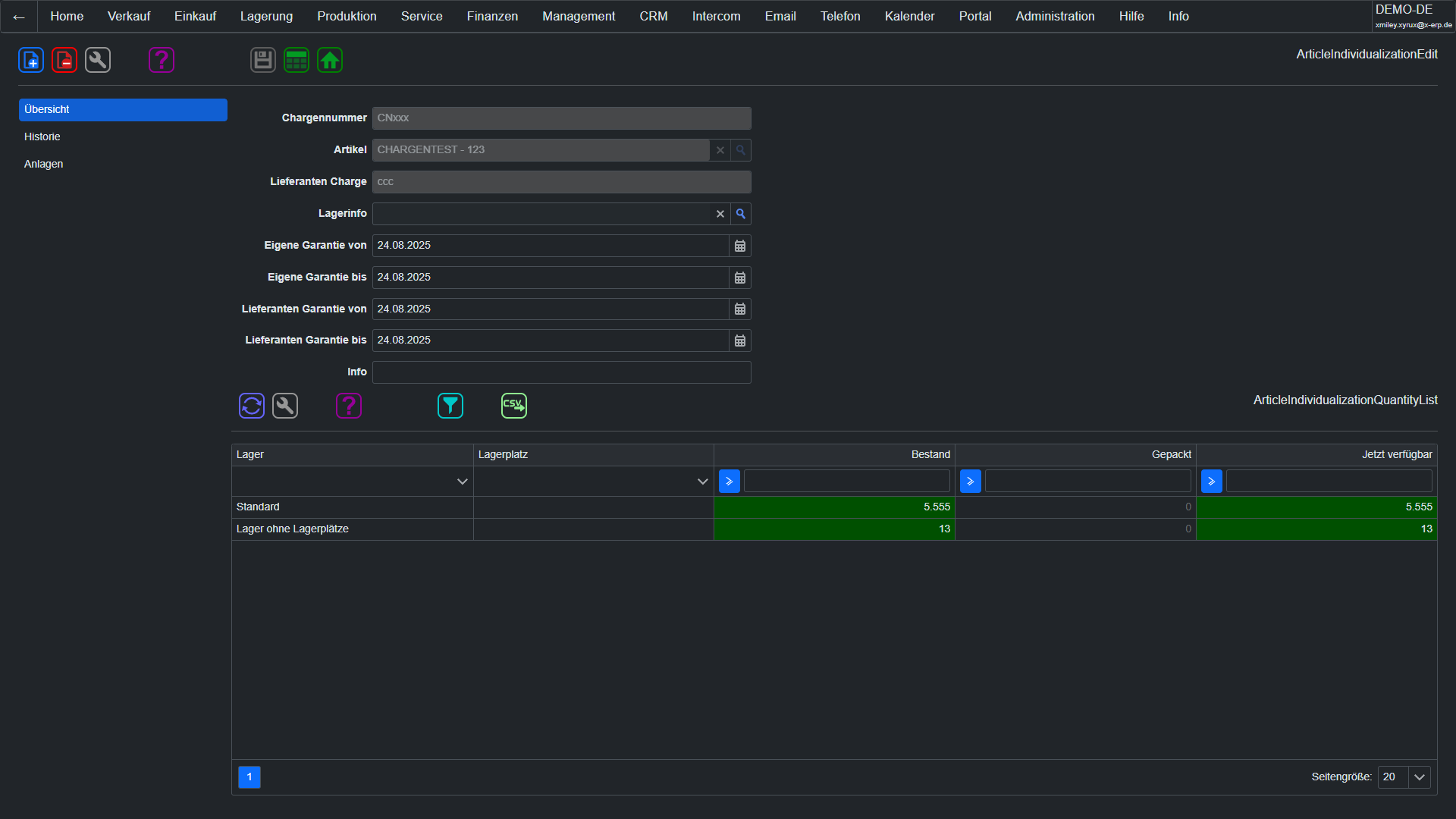
Article master dataManage your entire product range centrally: physical products, services, or digital goods. X-ERP offers groups, categories, variants, bills of materials, serial/batch numbers, accessories, unit conversions, real-time inventory, and complete product history. From purchasing to sales, you maintain full control over your assortment.
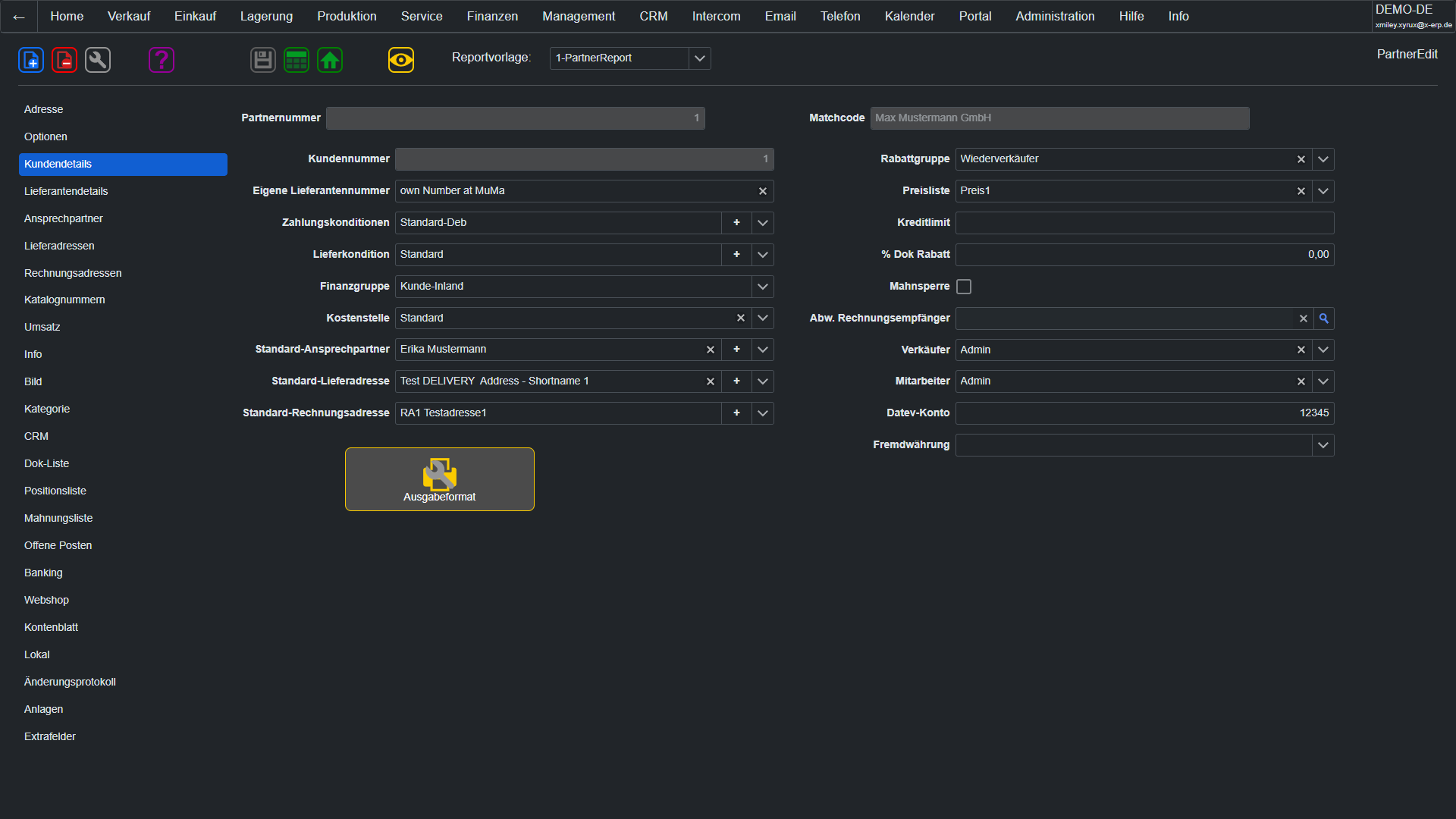
Partner master dataCustomers, suppliers, prospects – all business partners united in one database. Each partner can simultaneously be a customer and supplier. Any number of contacts, delivery/invoice addresses, bank details, payment/shipping terms, discount groups, and catalog numbers. Automatic email assignment ensures that every document reaches the correct recipient.
Text BlocksNever type recurring texts again: Central text modules for quotes, invoices, emails, and contracts. Organized in groups (terms and conditions, contract clauses, accompanying texts), insertable with a click. Dynamic text variables automatically replace placeholders with current data. Consistent communication at maximum speed.
Learn more → Price managementMulti-level sales price lists, supplier-specific purchase prices, tiered pricing, validity periods, and multi-currency. The sales price assistant allows mass price changes at the push of a button. Discount groups are automatically applied during document processing – your sales team always works with the correct conditions.
Learn more → Employee Master DataYour employees are your most important asset. The integrated personnel management includes master data, departments, vacation management with digital applications and approval workflows, commission groups for sales, as well as flexible types of leave. Everything from application to approval is handled digitally, transparently, and traceably.
Event ResourcesCentral management of all company resources: machines, rooms, equipment, and capacities. Define availabilities, qualifications, and utilization limits. Automatic resource allocation for projects and operations. Capacity planning with overload warnings. Each resource with a continuous maintenance and inspection history.
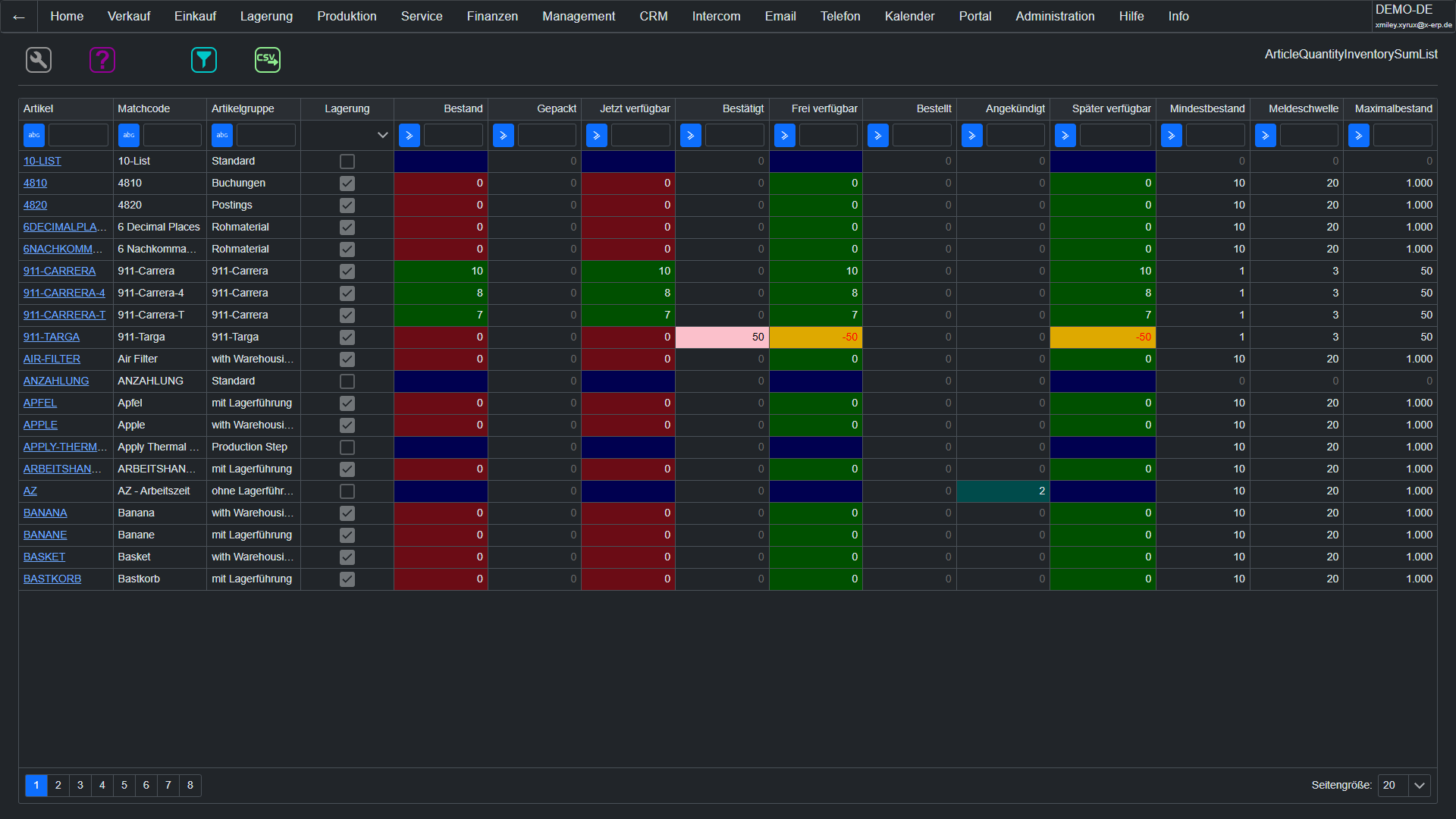
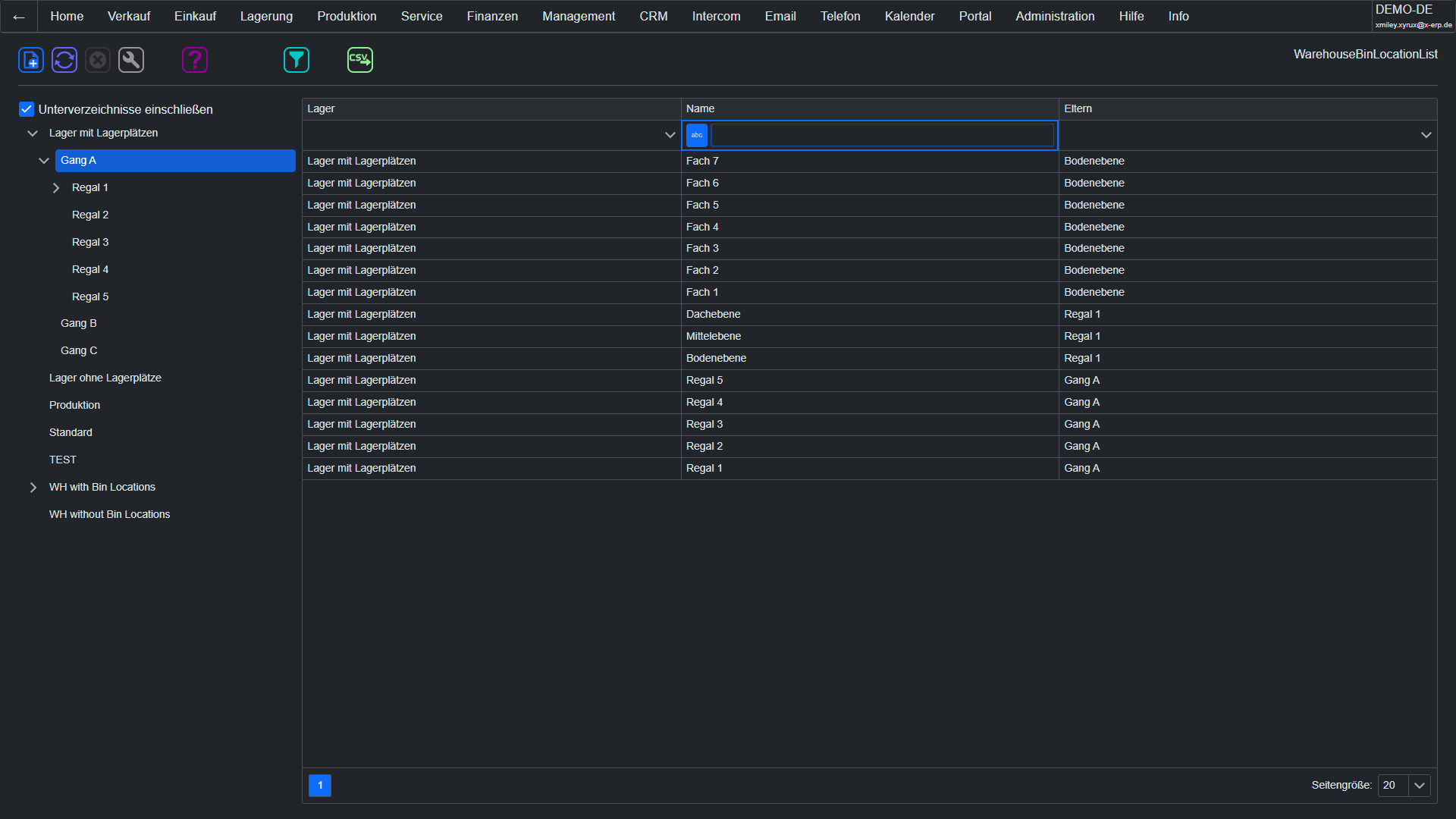
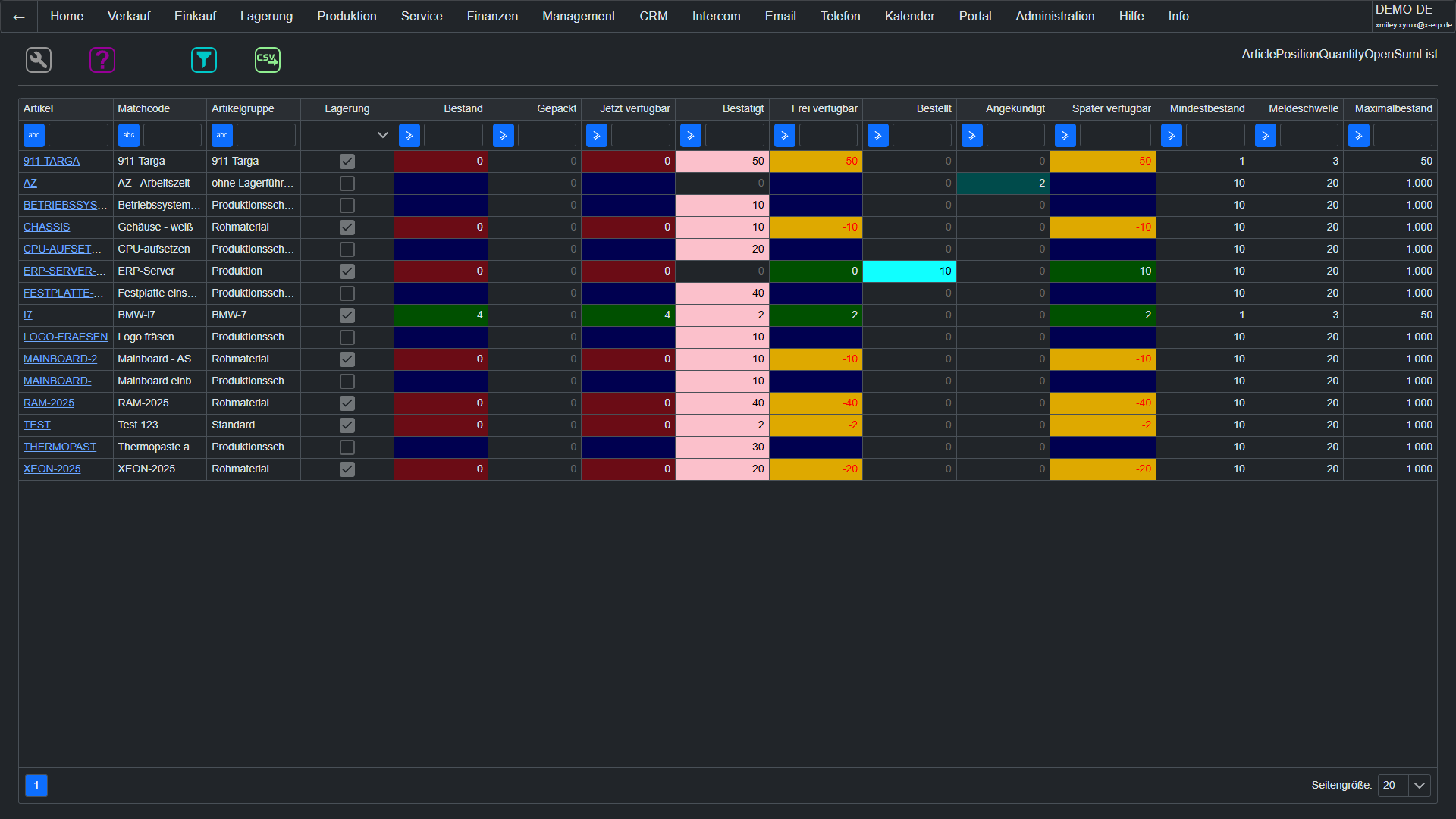
Inventory managementFull control: Multiple storage locations, detailed storage space structures (aisle/shelf/level/compartment), real-time inventory management, transfers, inventory counting with target/actual comparison, inventory revaluation according to HGB. Every goods movement can be tracked completely. Storage media such as pallets and containers are tracked via barcode/RFID.
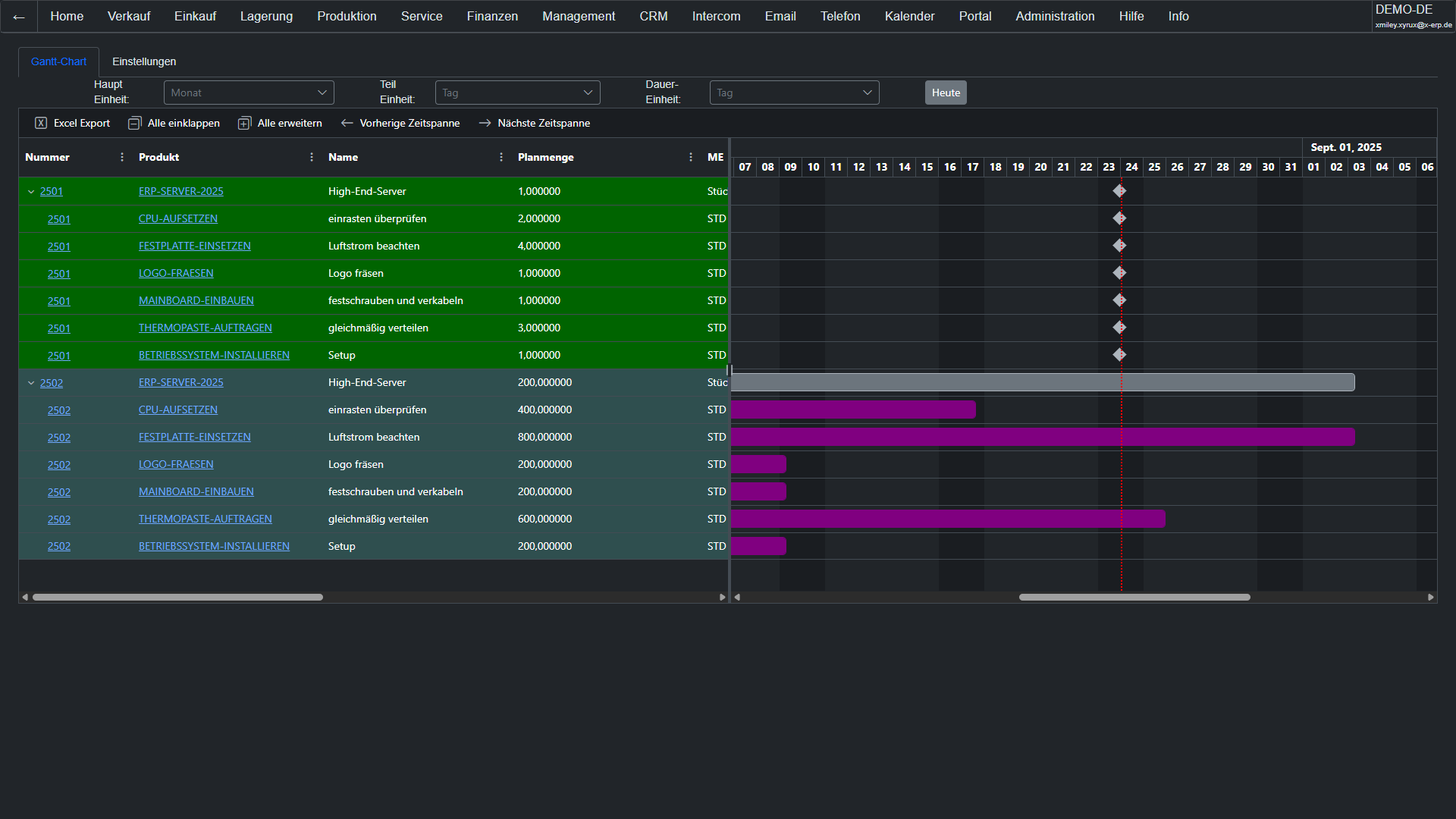
Project ManagementProjects with phases, milestones, budget, and progress tracking. The integrated Gantt chart shows dependencies and critical paths at a glance. Link project phases with documents, time entries, and costs for continuous project costing – from planning to post-calculation.
AttachmentsFiles belong to the dataset: PDFs, images, contracts, and drawings can be attached directly to articles, partners, documents, or any dataset. Status workflow for review and approval. All employees have immediate access to relevant documents – without having to search in network drives or email inboxes.
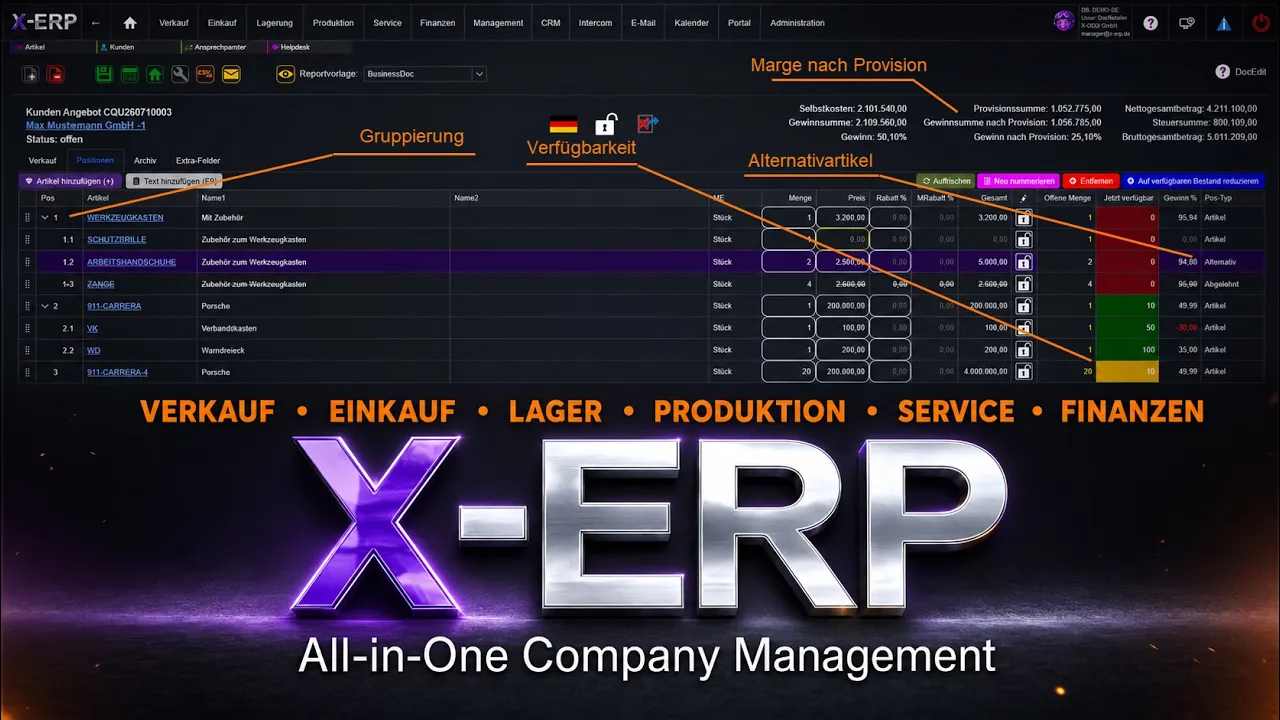
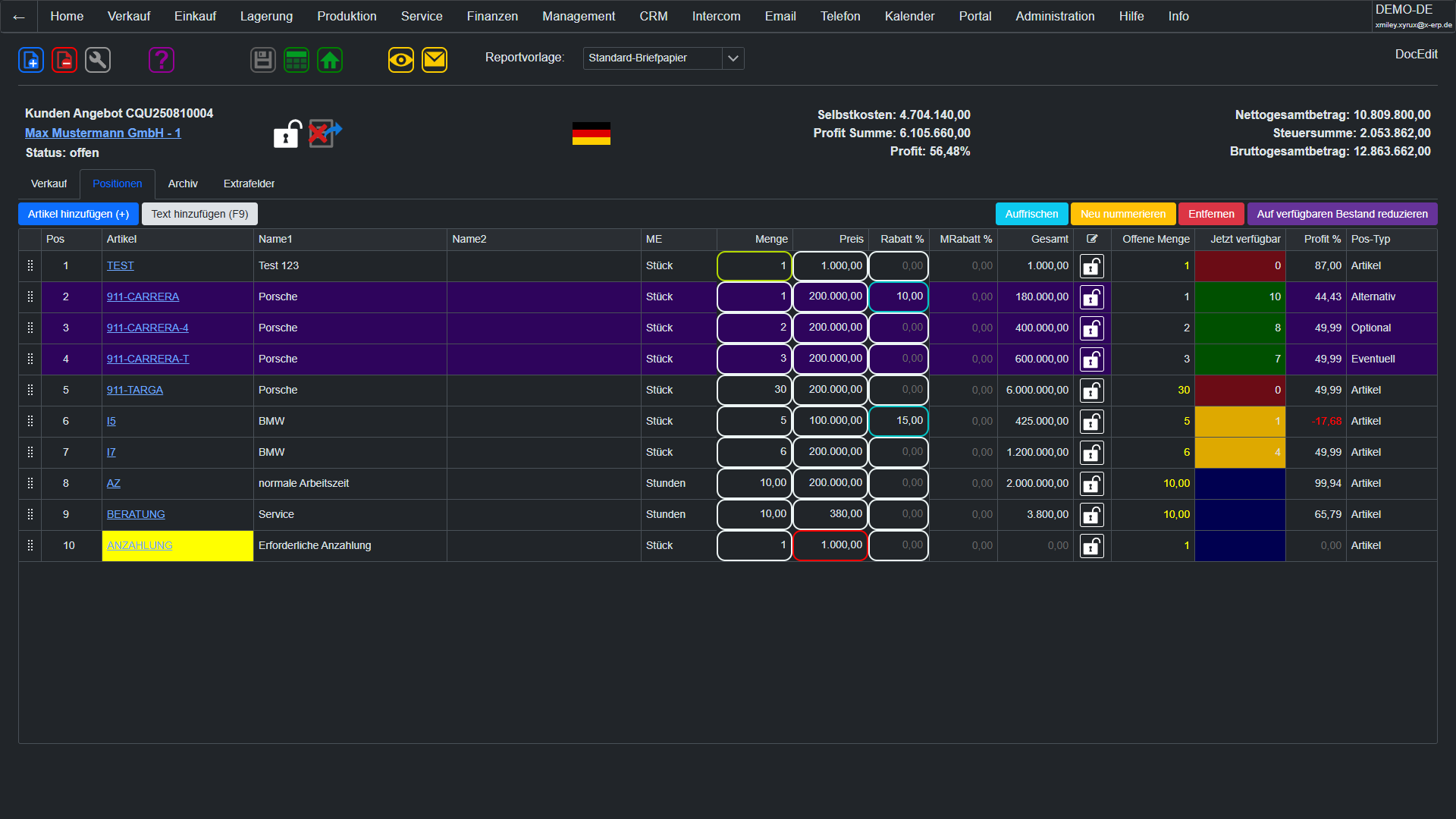
SalesThe complete sales process in one system: From the offer through the order confirmation, the delivery note, to the invoice – every step is automatically linked. Items with articles, quantities, prices, discounts, and taxes. Partial deliveries, collective invoices, and credit notes are, of course, included. XRechnung and ZUGFeRD for electronic invoice dispatch are included.
Field ServiceField Service Management fully integrated: Schedule field service appointments with deployment planning, manage service technician resources according to qualification and region, and control the entire service process through configurable statuses. The Gantt chart provides a visual overview of all deployments. Technicians document results directly in the system.
PurchaseFrom requirement to order in a few clicks: purchase price lists with tiers, automatic supplier suggestions, orders with quantity and delivery date control. Goods receipt with target/actual comparison, incoming invoice verification, and automatic warehouse posting. The entire procurement process digital and traceable.
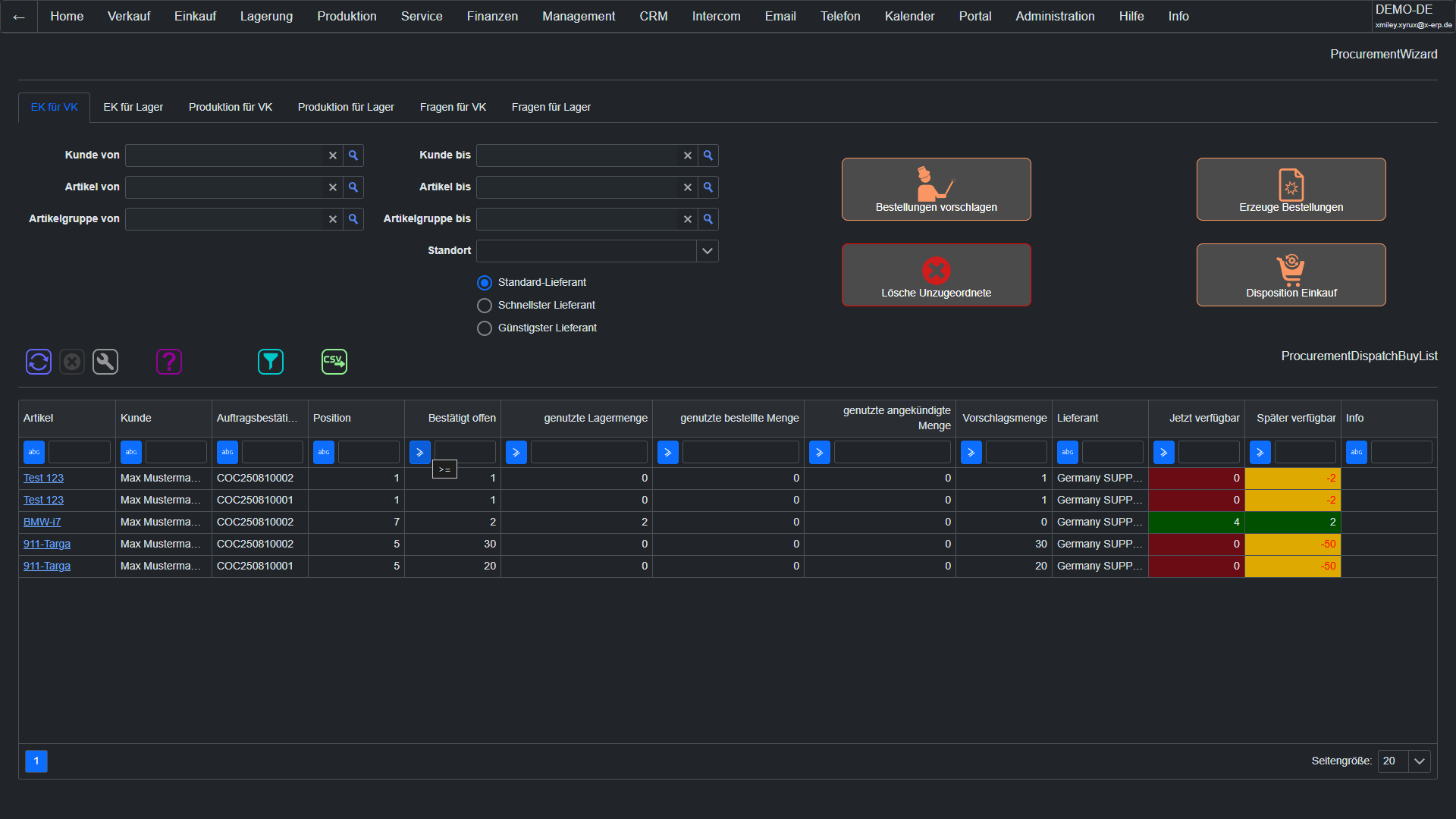
Procurement WizardThe intelligent wizard guides step by step through the procurement process: requirement detection, supplier suggestion based on purchasing history, price comparison, quantity/date confirmation, and order creation. Ideal for new employees and standard procurements. Make-or-buy decisions are supported with capacity checks.
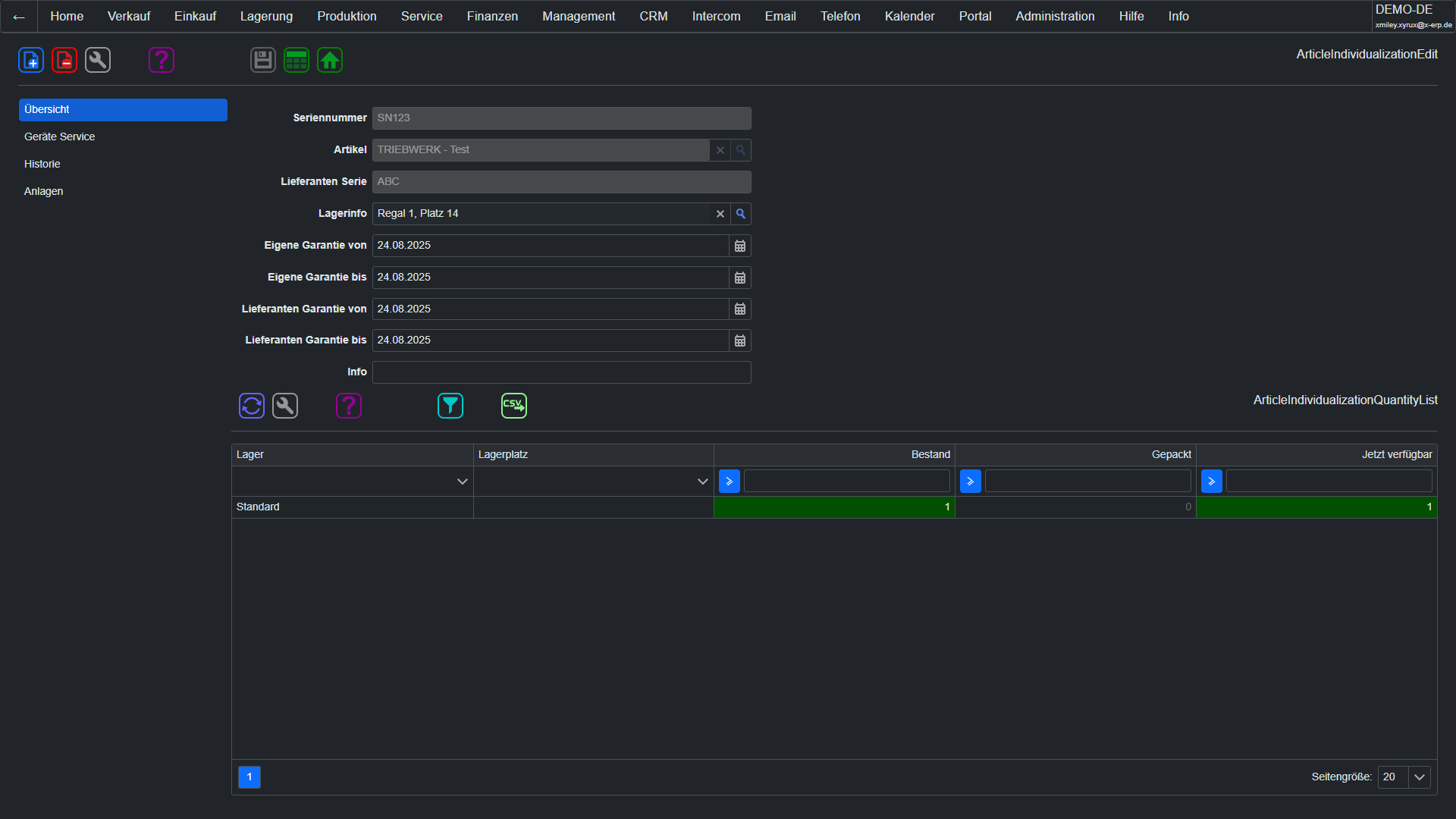
Device ServiceComplete service history per device and serial number: Which maintenance tasks were performed? Which parts were replaced? When is the next inspection due? The device service documentation links serial numbers with service records and provides field service technicians with all information at a glance – also on mobile.
Picking & packingProfessional shipping documentation: Create packing lists with carton allocation – which item is in which carton, including dimensions and weight. Standardized carton types speed up the packing process. The recipient knows immediately what is in which package. Perfect for carriers, customs, and incoming goods at the customer.
ShippingEverything for logistics: carriers, shipping methods (parcel, express, freight, pickup), shipping zones, and weight-based rates. Freight costs are automatically calculated on the document. Zone-based rate structures for domestic, EU, and overseas. Integration with common parcel services for tracking and notification.
ProductionProduction control fully integrated: production orders with bill of materials, work plans with resource allocation, real-time operational data collection. The production Gantt chart shows machine utilization and bottlenecks. OEE data flows directly into cost calculation. Make-or-buy decisions are made based on data.
Contract ManagementContracts under control: durations, notice periods, automatic reminders, and renewal options – everything centrally managed. Link contracts with partners and documents. Receive timely reminders for expiring contracts and never miss a notice period again. Archived in a revision-proof manner.
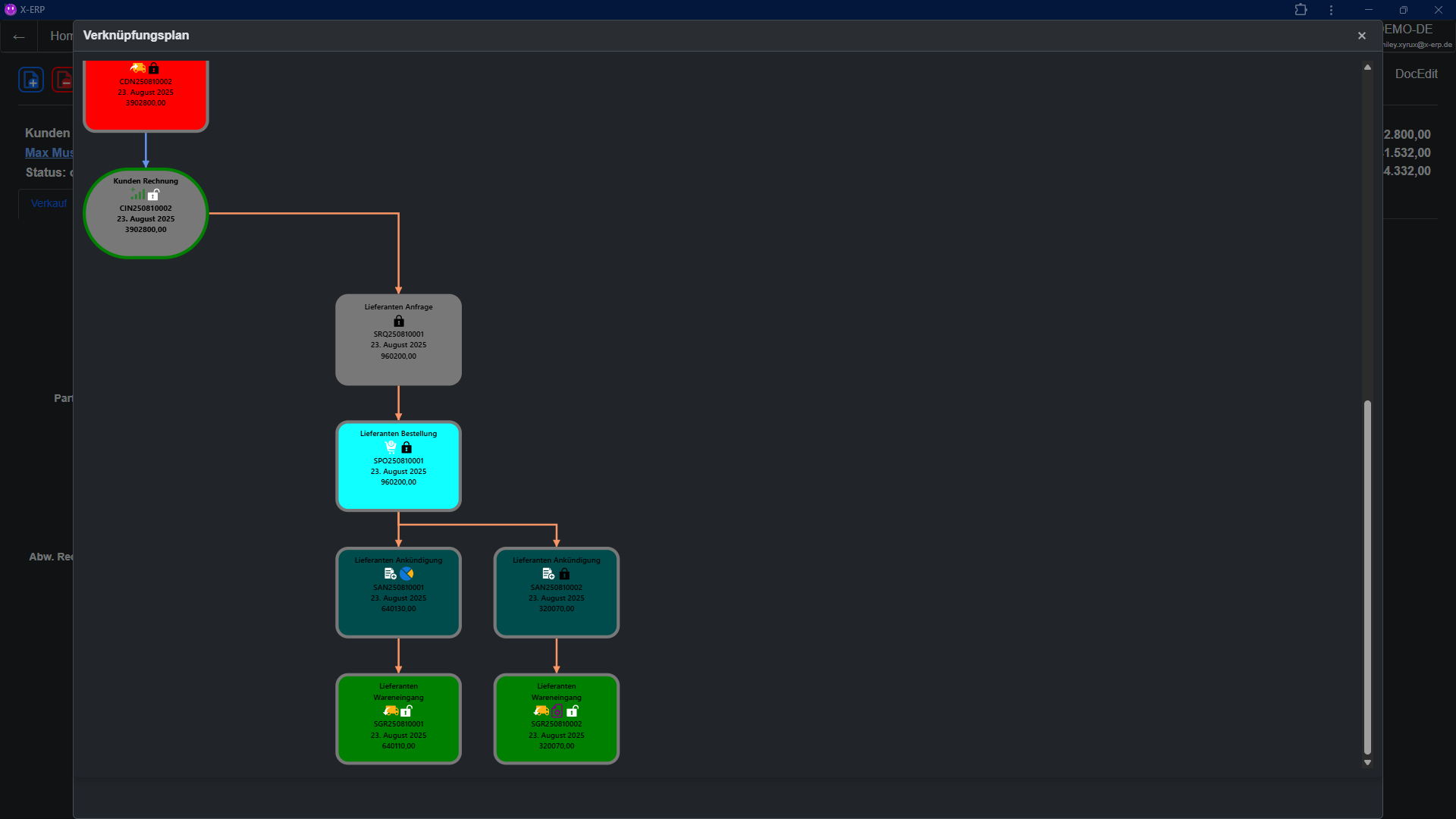
Relationship MapThe visual document relationship map makes connections visible: Which offer led to the order? Which delivery note belongs to it? Has the invoice been created? The graphical representation of all document linkages saves tedious searching and provides immediate transparency – from the first customer contact to payment.
Learn more → ApprovalsMulti-level approval processes for business-critical documents: Define which documents require approval based on amount or type. Approvers are automatically notified and can approve or reject. Full transparency over the approval status. Compliance and the four-eyes principle ensured by the system.
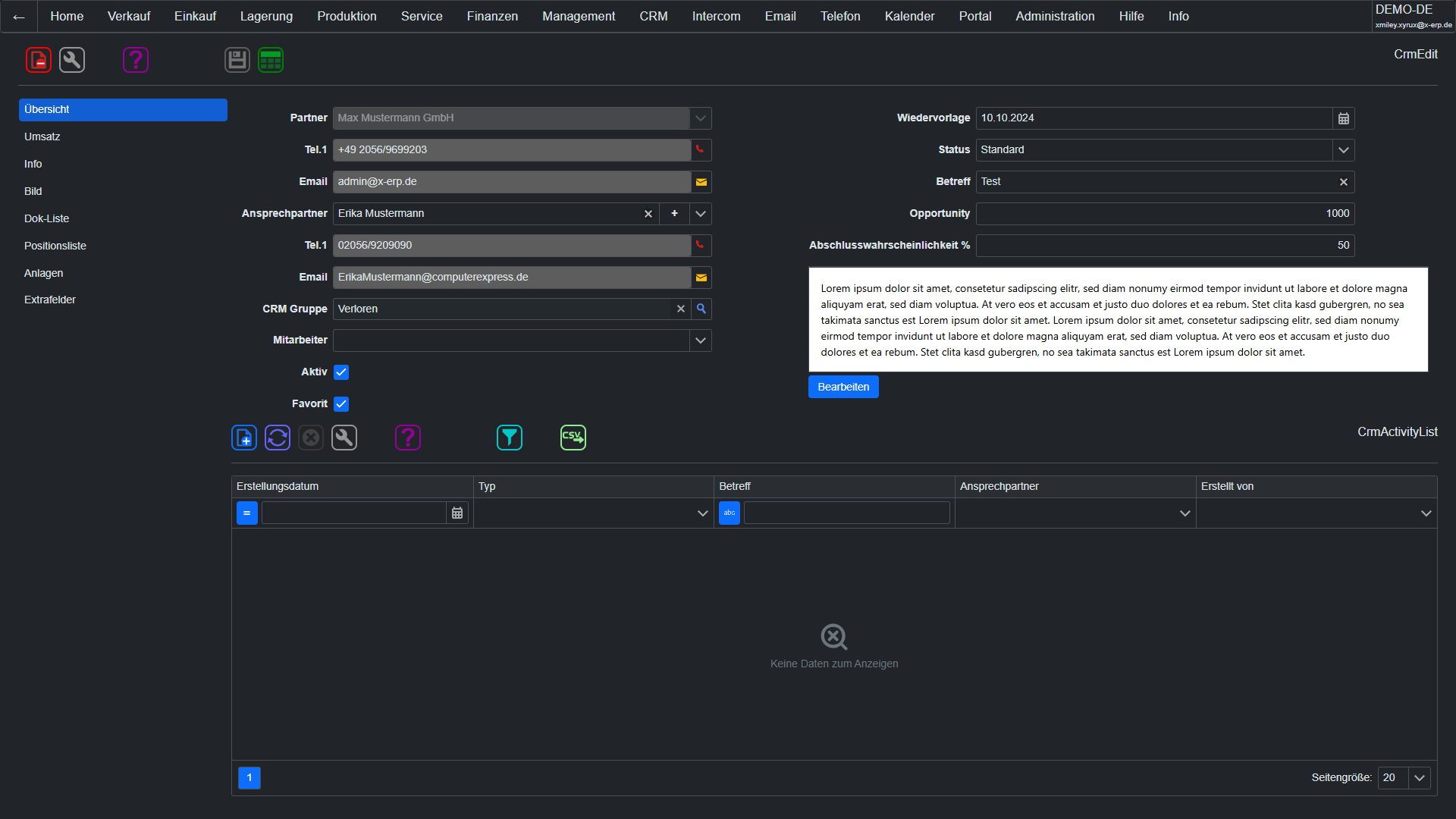
CRMSales management at the highest level: Manage sales opportunities with pipeline stages, probabilities, and revenue forecasts. Plan activities (calls, visits, meetings) and link them with partners and records. Freely configurable statuses and types adapt to your sales process.
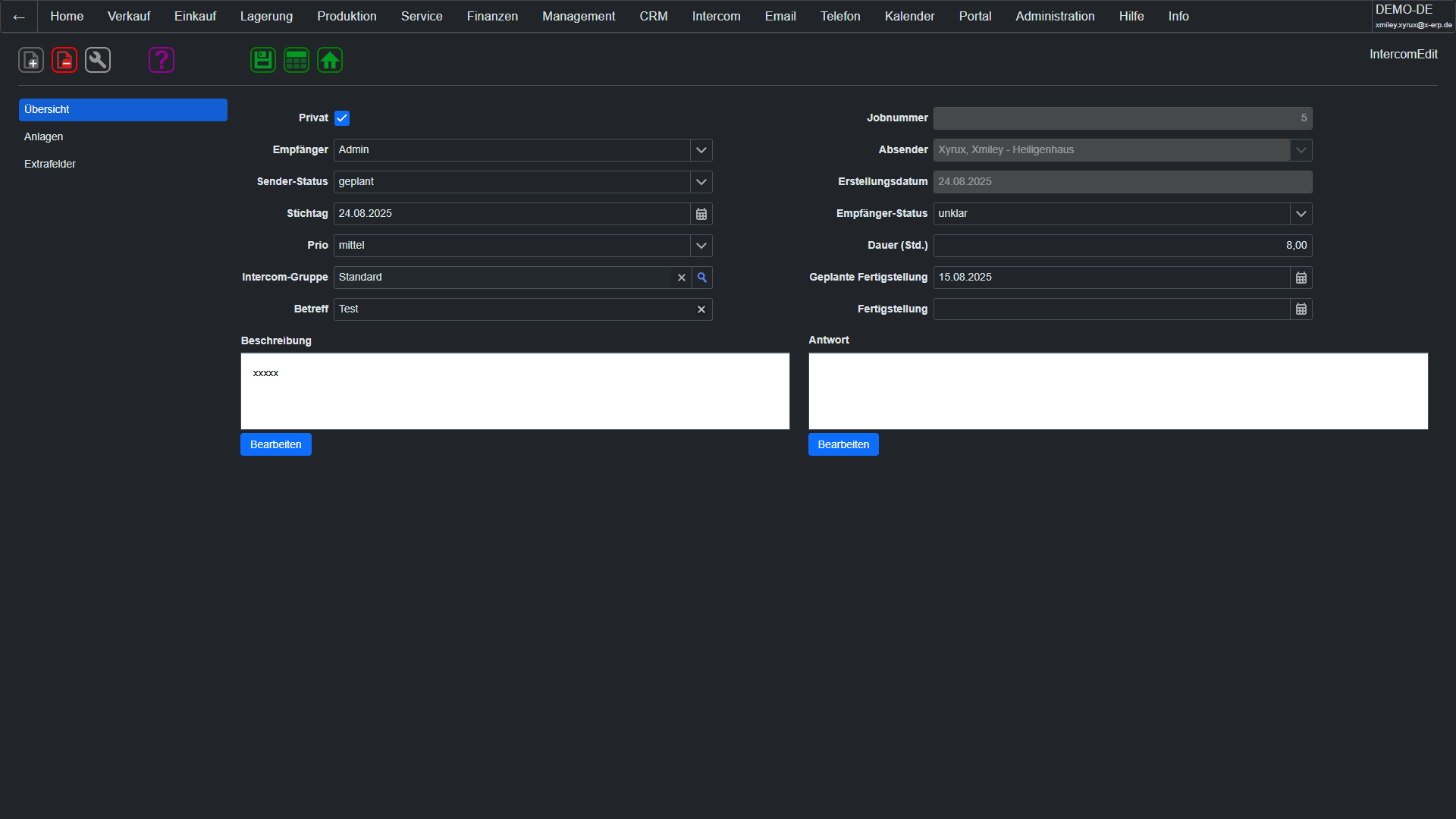
IntercomSecure internal communication without external tools: The integrated messaging system enables internal company communication with groups, priorities, and read/delivery confirmations. Sensitive information stays within the company and not on external servers. Messages are linked with partners, records, or projects – all in context.
WikiCompany knowledge centralized and searchable: The integrated knowledge database with categories, full-text search, and editorial workflow (Draft > Review > Approval > Archive) ensures that know-how is documented, up-to-date, and accessible to everyone. New employees get familiar faster, experienced colleagues share their knowledge efficiently.
BulletinThe digital bulletin board for your company: Publish announcements, news, and messages in categories (Company News, HR, IT Information). All employees see relevant information at login. No more notices that get overlooked – important messages reach every employee digitally and verifiably.
ArchivingGoBD-compliant document archiving directly in the ERP: Archive invoices, contracts, and correspondence in a tamper-proof manner. External files are assigned to the record and are immediately retrievable. The archiving meets the GoBD requirements for the immutable retention of business documents.
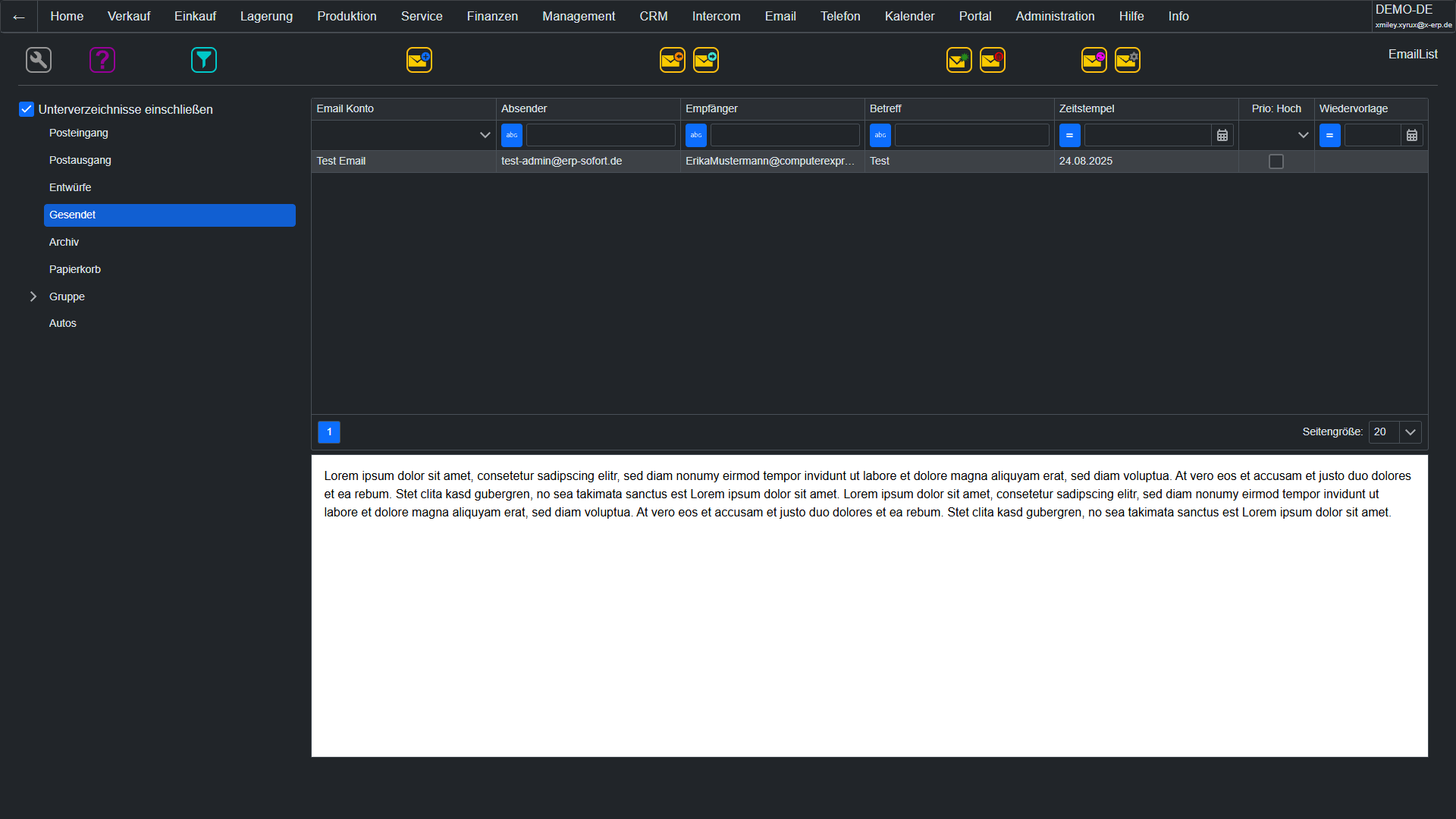
EmailFull email client in the ERP: Send, receive, reply, forward – with multiple IMAP/SMTP accounts, folder structure, HTML signatures, and templates with placeholders. Automatic incoming/outgoing rules sort and archive emails. Spam protection, attachment management, and complete email logging. All your business correspondence remains within the ERP context.
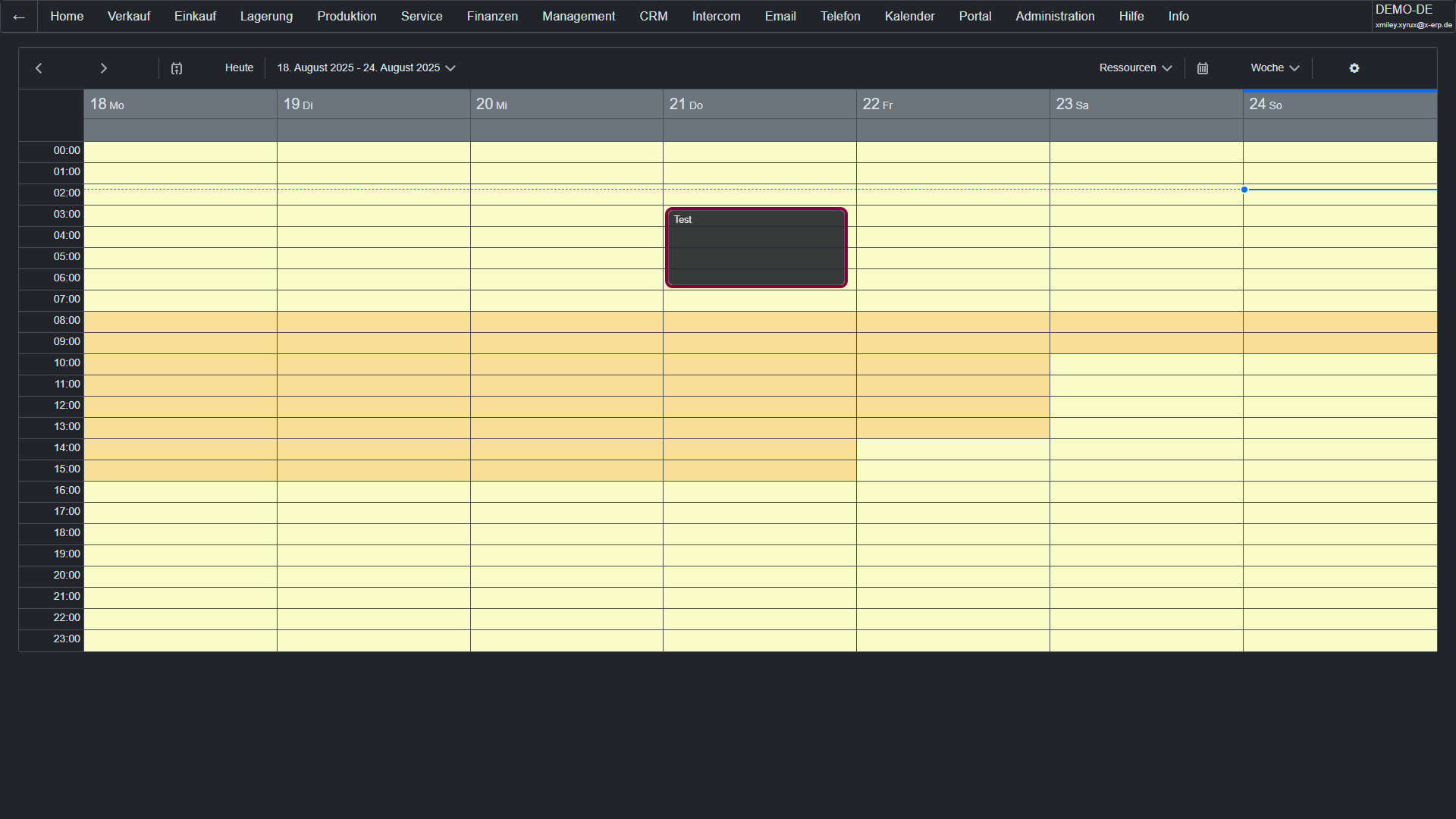
CalendarIntegrated appointment scheduling with daily, weekly, and monthly views. Appointments with participants, reminders, repetitions, and categories. Invitations with acceptance/refusal, automatic holiday management by federal state, and flexible work time models with shifts. The workday assistant configures models in no time.
DMSDocument management directly in the ERP: Capture, classify, version, and link documents centrally with partners, documents, projects, and other processes. OCR and full-text search make even scanned content quickly findable, while access rights ensure controlled usage.
AI AssistAI-generated product descriptions, email responses, and product translations – directly from the ERP. The integrated AI connection supports you in creating texts, answering customer inquiries, and translating product data into any language. This way, you save time, improve text quality, and reach international markets faster.
Learn more → Electronic "sticky notes"Digital Post-Its for your workplace: Create personal notes and reminders directly on the ERP desktop. Color-coded, quickly created, always visible. The perfect addition for spontaneous thoughts, return calls, or short-term to-dos – without a separate note-taking tool.
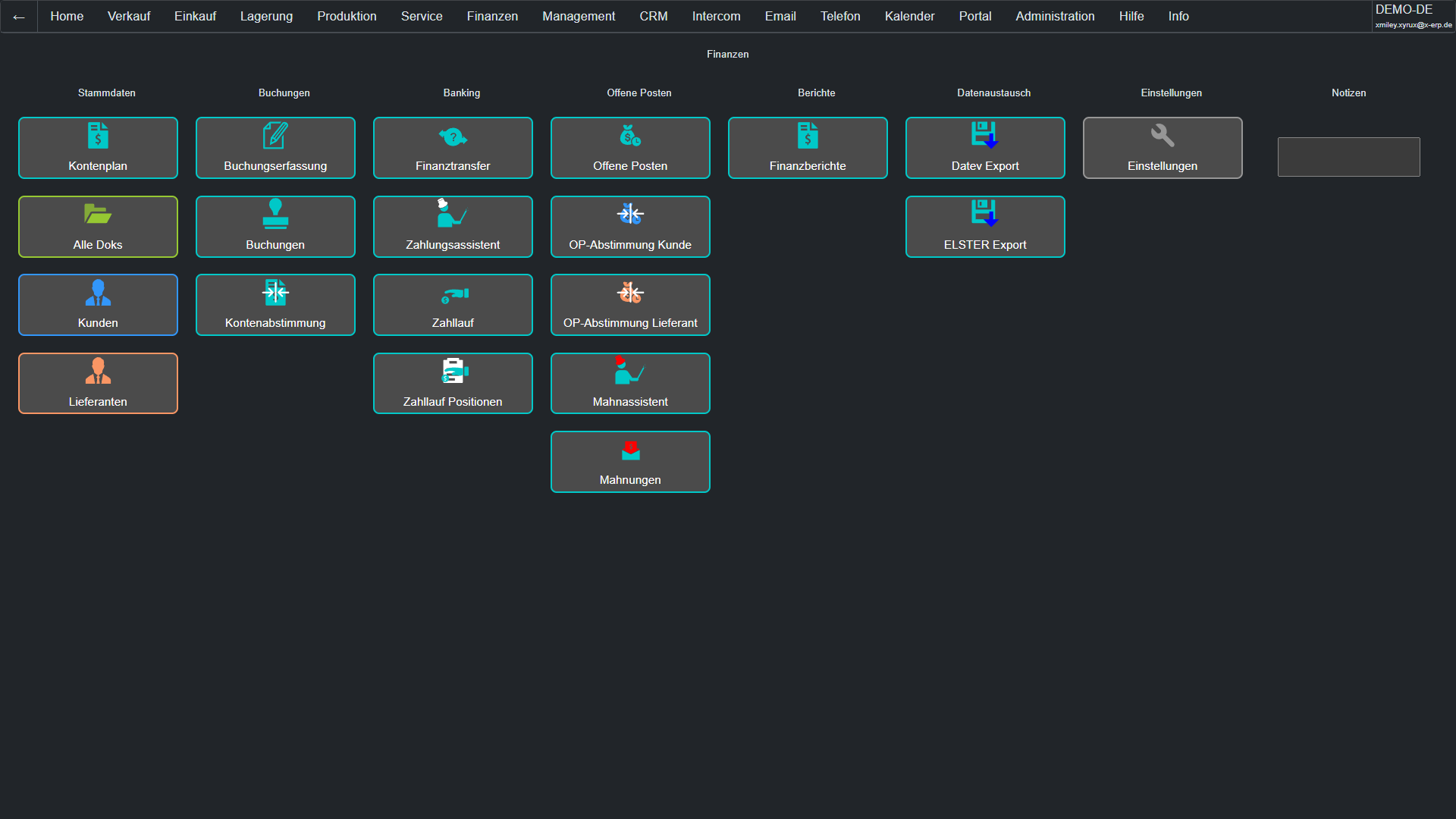
Open Item ManagementOpen items under control: The integrated open items management shows you all outstanding receivables and liabilities at a glance – with due date analysis, aging structure, and payment history. Automatic creation of open items when booking invoices, easy reconciliation upon receipt of payment. The open items list is your most important tool for liquidity management and dunning.
Learn more → Payment TransactionsSEPA transfers and direct debits at the push of a button: The intelligent payment suggestion list automatically detects due payments, optimizes cash discount utilization, and generates SEPA XML files (pain.001/pain.008) for bank import. Incoming and outgoing payments are automatically offset against open items. No more manual transfers and typing errors.
Learn more → DunningProfessional, multi-level dunning process: Configurable dunning levels with individual texts, deadlines, and fees. The dunning assistant automatically creates dunning proposals, takes account of incoming payments and blocks. Dunning notices are sent by e-mail or mail. Default interest is calculated automatically. The dunning history documents every step without gaps.
Learn more → CostingKnow where your money goes: Cost centers, cost units, and cost types form the basis for meaningful cost accounting. Each booking can be assigned to a cost center. Evaluations by cost center, cost unit, or period provide you with the transparency you need for well-founded decisions.
Learn more → Fixed Assets AccountingManage your fixed assets professionally: Record fixed assets, define depreciation schedules (linear, declining, performance-based), and have periodic depreciation posted automatically. The asset register provides the legally required proof of additions, disposals, and value development. The depreciation assistant makes year-end postings child's play.
Learn more → Account DeterminationNever wrongly posted again: The automatic account determination in X-ERP assigns postings to the correct general ledger accounts based on rules – revenue, goods receipt, tax, all automatically. Define account determination rules by document type, item group, tax area, and partner. During posting, the system accesses these rules and posts correctly. Less rework, fewer correction postings, more satisfied accountants.
Learn more → Continuous Inventory Value PostingInventory values always up to date: X-ERP continuously posts inventory changes correctly in terms of quantity and value – with every goods receipt, every delivery, every transfer, and every inventory adjustment. No more manual period accruals. Inventory valuation according to average cost or FIFO runs automatically. Your inventory and your balance sheet are always consistent and audit-proof.
Learn more → Dynamic Document ChainIntelligently link documents: In X-ERP, you can freely define which document types can follow each other. From the quote to the order, from the order to the delivery note, from the delivery note to the invoice – or completely individual chains for your industry. Quantities are automatically carried over, partial quantities and collective documents are, of course, included. The document chain is dynamic, not rigid.
Desktop ConfiguratorEach role gets its own workspace: The desktop configurator allows you to design an individual start screen for each user role – with quick access buttons, widgets, and role-specific menus. The warehouse worker sees goods receipt and picking, the accountant sees open items list and payment transactions. Maximum efficiency through minimal clicks.
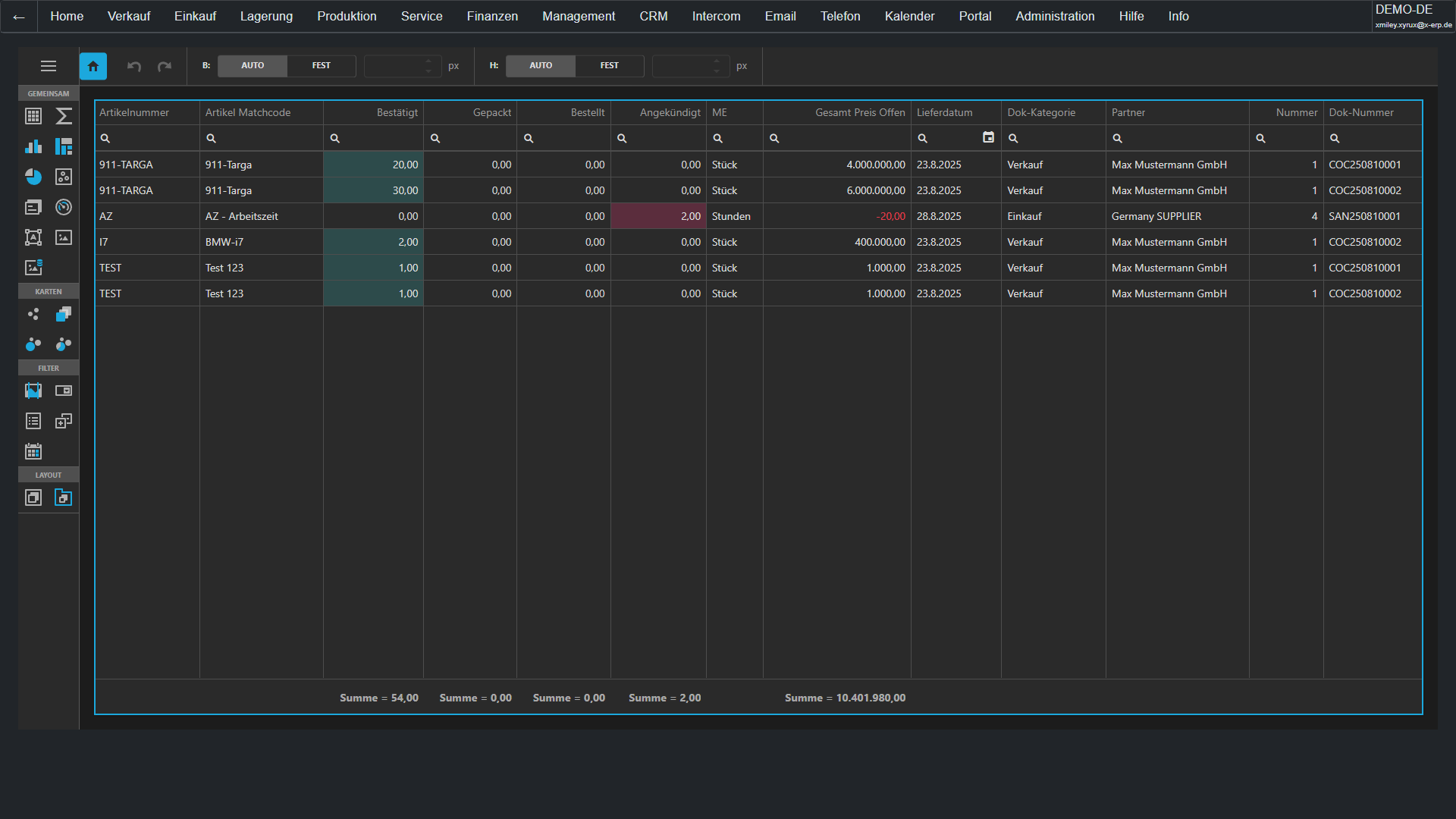
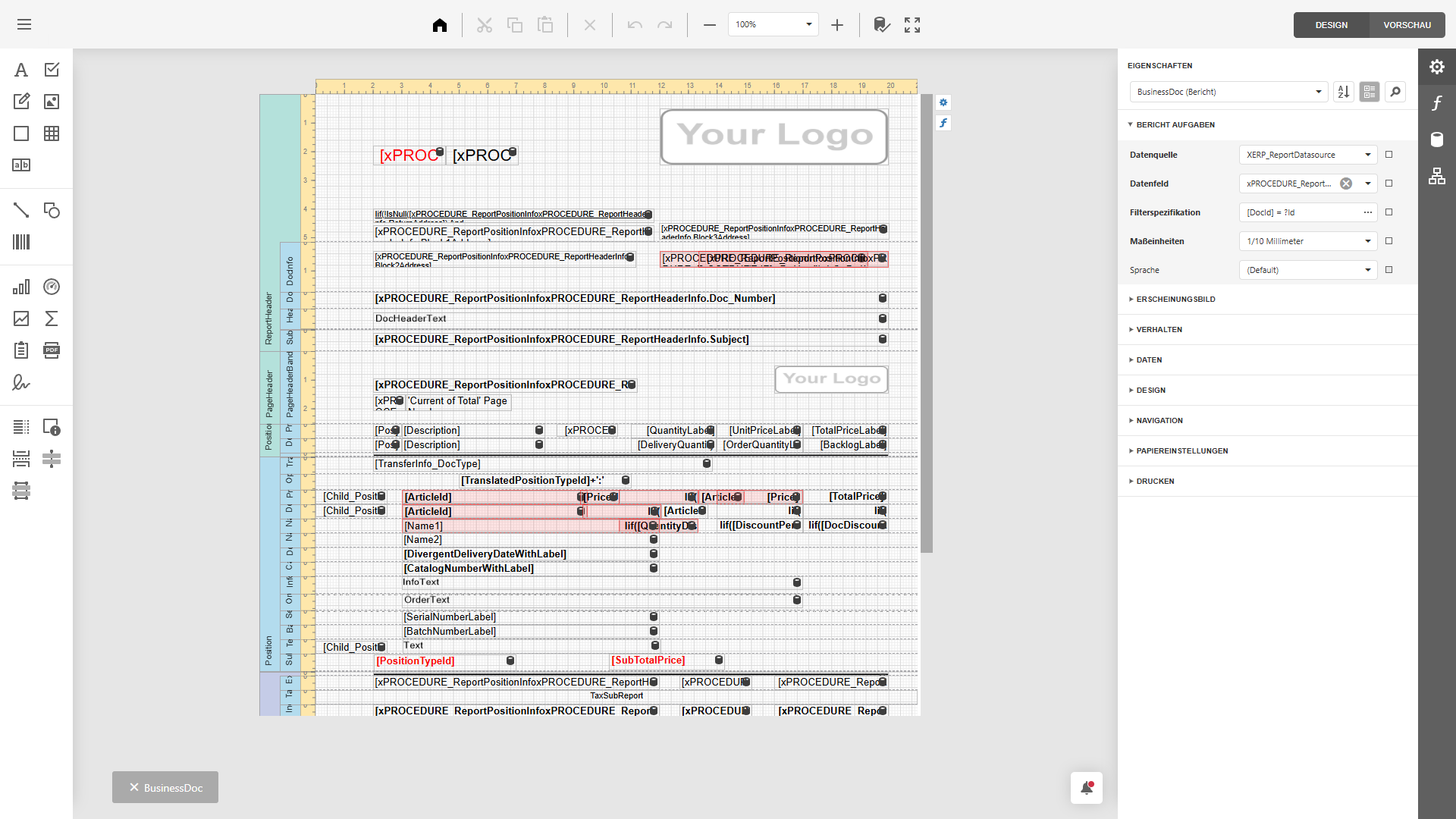
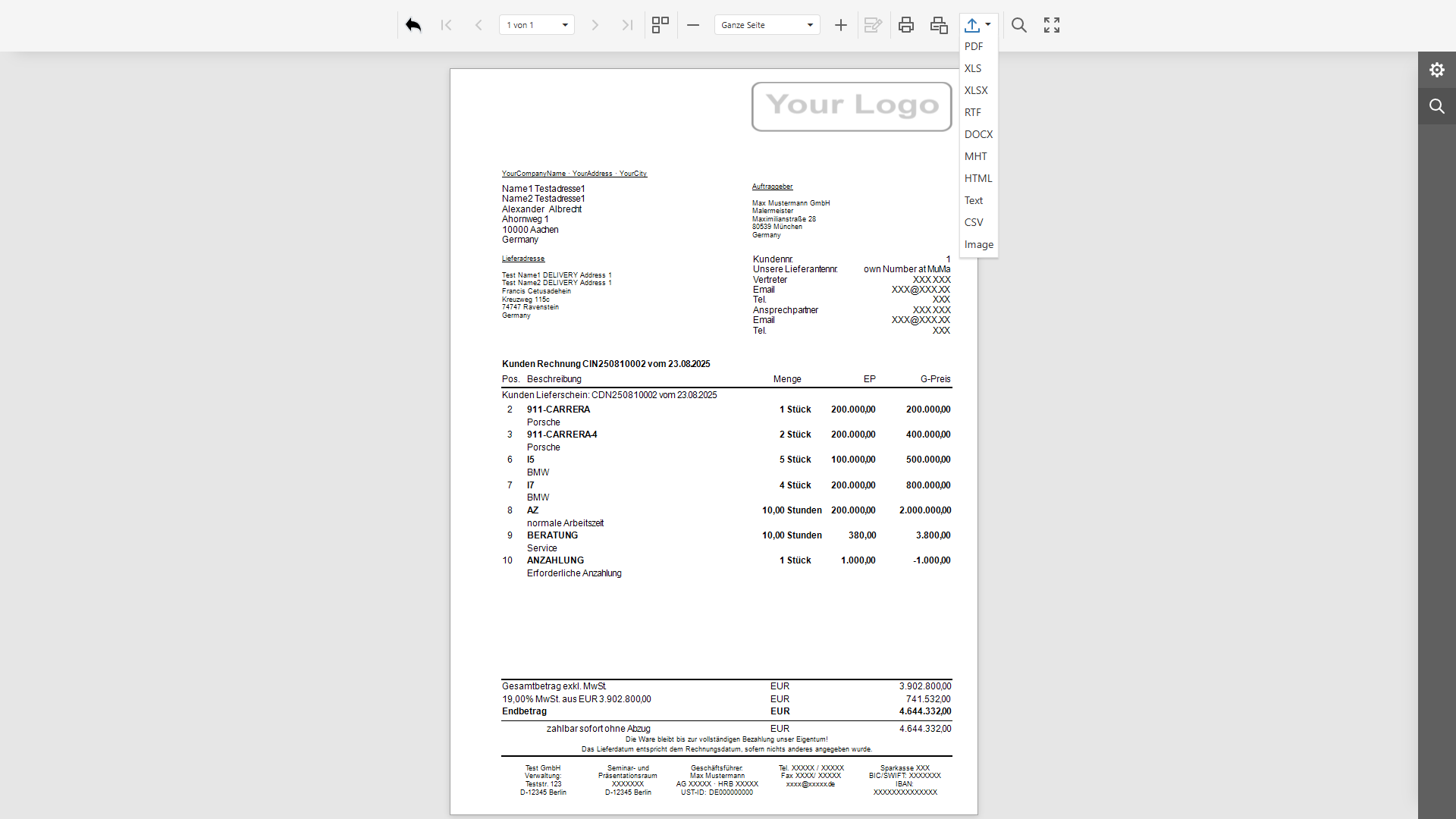
Learn more → Report DesignerReports and documents exactly as you envision them: The integrated report designer allows you to design invoices, delivery notes, quotes, and analyses pixel-perfect – with your logo, your colors, and your layout. Pre-made templates speed up the start. The report viewer displays reports interactively with print, PDF export, and Excel export.
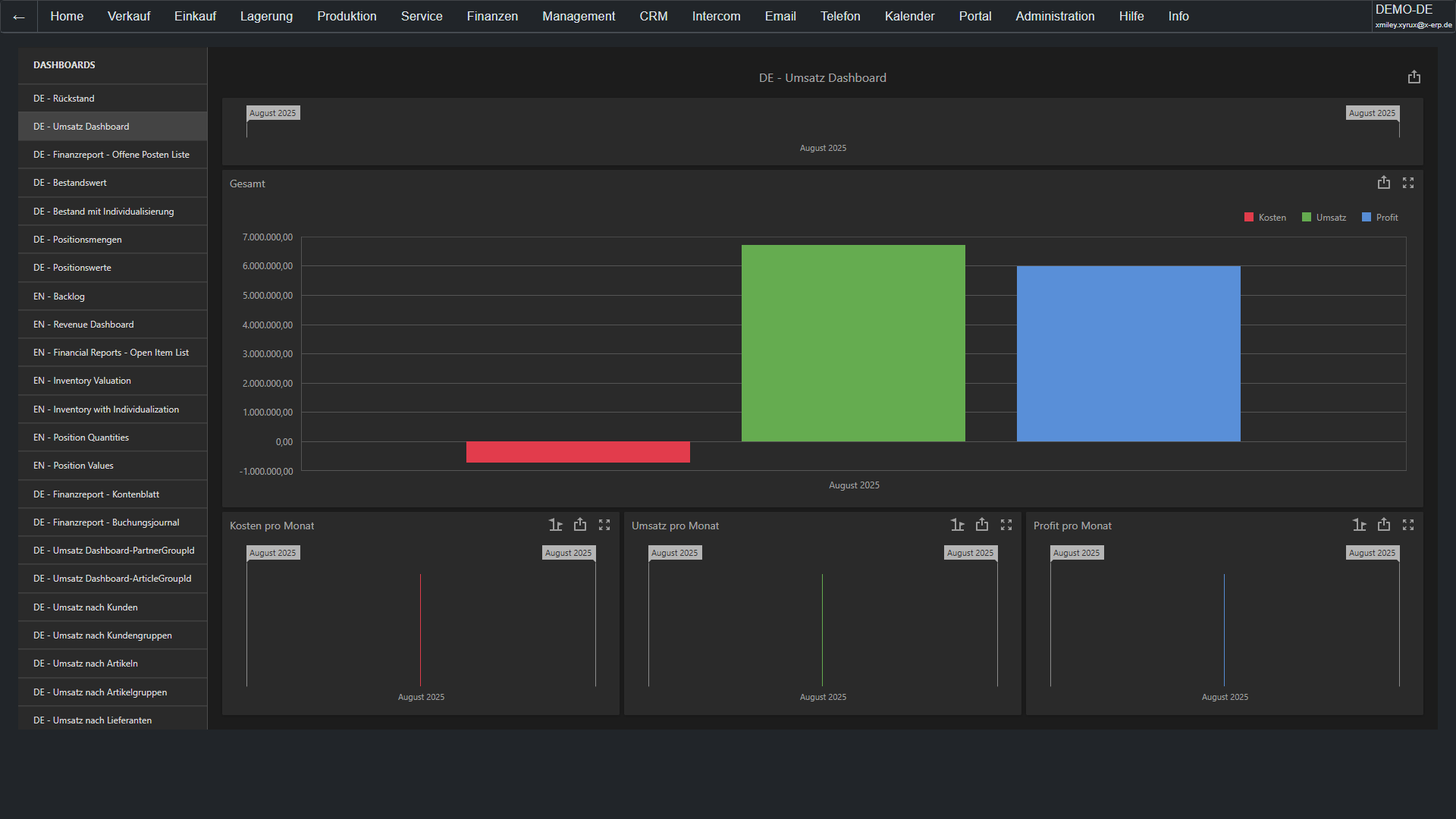
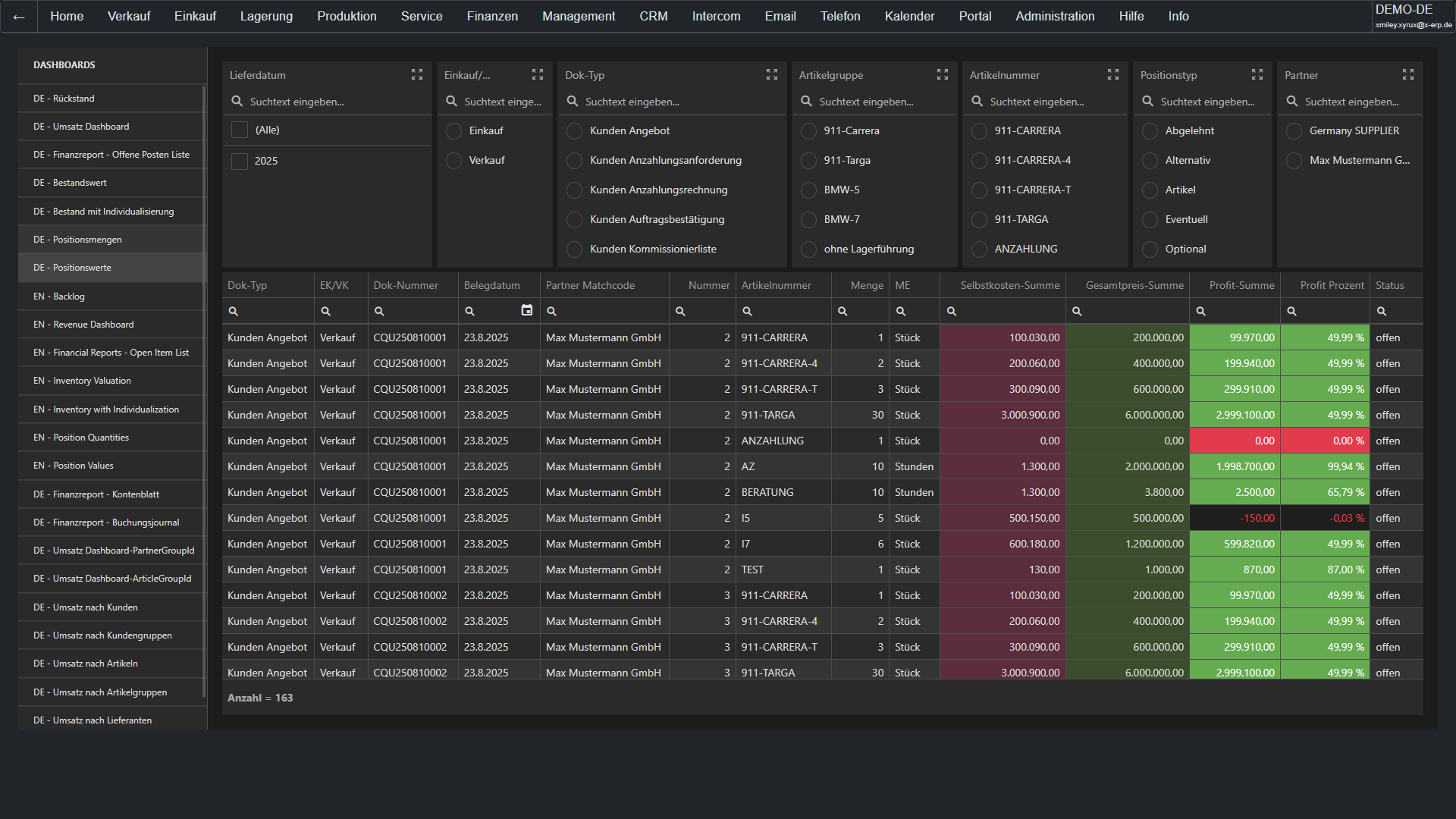
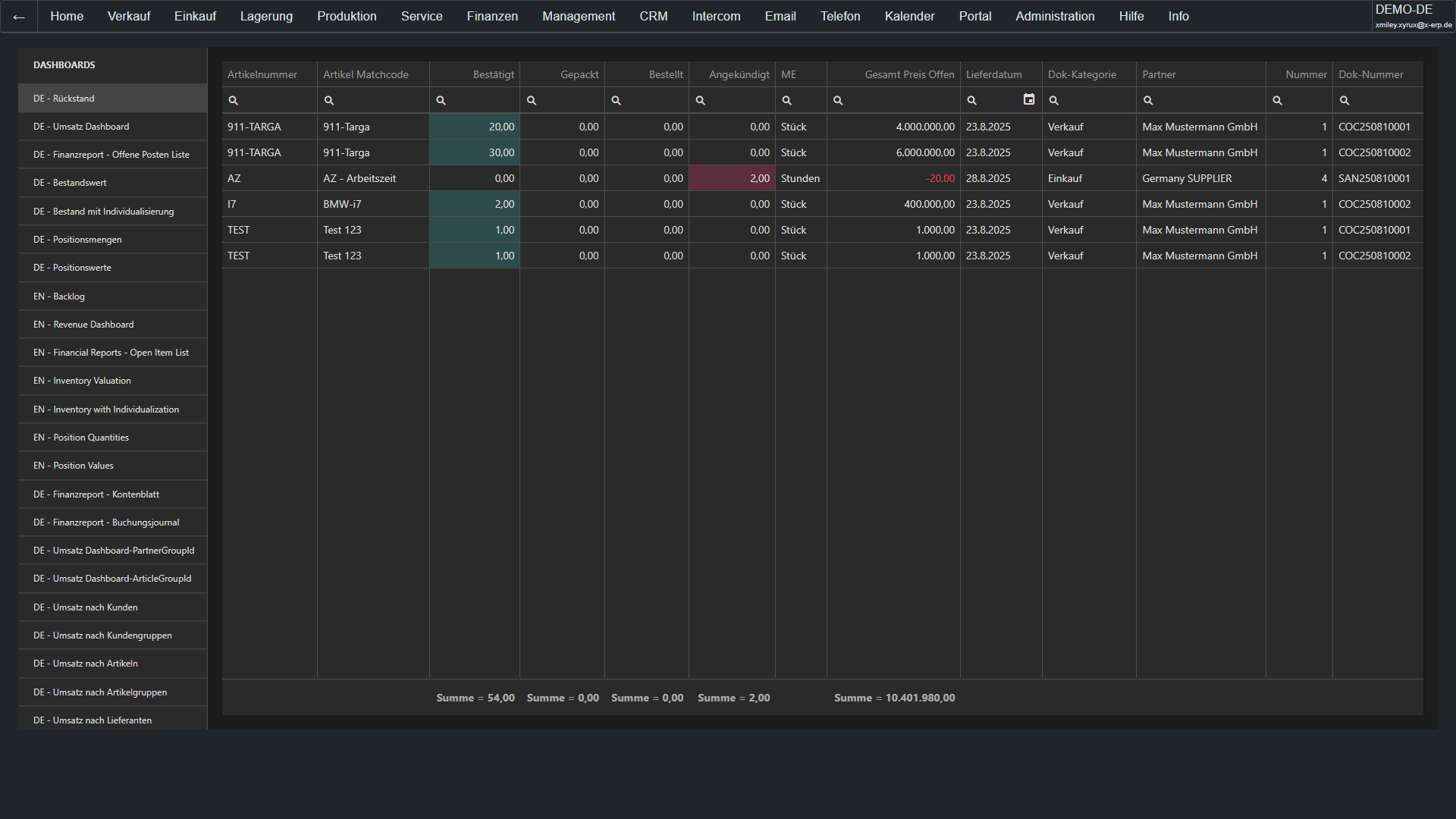
Learn more → Dashboard DesignerData becomes decisions: Create individual dashboards via drag-and-drop with charts, key figures, tables, and filters. Each role gets the dashboard it needs: Management sees revenue and cash flow, sales sees its pipeline, and the warehouse sees the inventory situation. Real-time data for data-driven decisions.
Learn more → Extra TablesYour ERP, your data: Create custom tables – completely without programming. Whether machine directories, vehicle fleet, certificates, or training records: Define fields, data types, and relationships. X-ERP automatically generates input and list pages. Your ERP grows with your requirements, without having to wait for the software manufacturer.
Learn more → Extra FieldsExtend standard tables without losing the standard: Add additional fields to existing tables (items, partners, documents) – text, number, date, selection list. The fields automatically appear in input forms and are available for evaluations. Updates remain compatible, your individual fields are retained.
Learn more → Formatted SearchWith the formatted search, X-ERP automatically fills fields with the appropriate values.
Whether customer data, item information, prices, texts, delivery dates, accounts, or your own custom fields: X-ERP can determine values directly from existing data and suggest or enter them in the right place.
This makes daily work faster, safer, and more consistent.
Fewer manual entries.
Fewer errors.
More automation directly in the ERP.
DATEV InterfaceSeamless data exchange with your tax advisor: Posting batches, customer/supplier master data, and document images are exported in DATEV format and directly imported into DATEV Unternehmen online or Kanzlei-Rechnungswesen. Automatic account assignment, configurable posting keys, and period-controlled export make the month-end closing a routine process.
Learn more → ELSTER ExportVAT advance return directly from the ERP: The relevant key figures are automatically derived from postings and documents, converted into the ELSTER XML format, and transmitted to the tax office. Summary report (ZM) for intra-community supplies included. Audit protocols and archiving ensure audit-proof documentation.
Learn more → INTRASTAT ReportEU trade statistics at the push of a button: Shipments and receipts are automatically recorded from delivery notes and invoices with item numbers, country of origin, and statistical value. The INTRASTAT assistant generates the monthly reporting file in IDES format for the Federal Statistical Office. Threshold monitoring and plausibility checks prevent reporting errors.
Learn more → DSGVOGeneral Data Protection Regulation implemented system-wide: Automatic deletion periods, information assistant for data subject rights, consent management, and logging of all personal data processing. Processing directory, data protection impact assessment, and deletion concept are directly integrated into the ERP – without external tools or manual lists.
Learn more →Short and concise – for decision-makers, users, and IT managers.
X-ERP is a modern, powerful, and secure all-in-one enterprise management system. It fulfills all software requirements of modern companies in a unified, intuitive user interface and consistently stores all data in a single, high-performance Microsoft SQL database.
Thanks to extra fields (integer, text, date, decimal, GUID, etc.), extra tables, formatted search (FMS), plugins, API connections to external programs, as well as an integrated report and dashboard designer, X-ERP can be expanded almost without limits and precisely adapted to individual needs.
At the center of this are extremely simple handling, an exceptionally high range of functions, and excellent possibilities for personalization. By using the latest Microsoft .NET technology, X-ERP achieves top performance values and scales seamlessly – from a single company up to 10,000 concurrent users per company database.
Multi-client capability, intercompany functions, and a variety of country packages open up limitless application possibilities – regardless of industry or international location.
Business partners also receive direct access through isolated login areas, for example via the X-ERP.Webshop, the X-ERP.Ticket System, or the X-ERP.Marketplace. Delays caused by data transfers or middleware are completely eliminated – all data is available in real time at any moment.
Both are possible. X-ERP runs either in the cloud or on your own server. A switch can be implemented at any time within a few minutes, as only a single database needs to be moved. It contains all information, attachments, archiving, user accesses, and permissions. Lost data or incorrect linking paths therefore belong to the past.
Since X-ERP is operated directly through the browser on the client side, no local installation is required. It can be used on almost any browser-compatible device – whether Windows, Linux, or Mac. Those who prefer the familiar "look & feel" of traditional client software can also install X-ERP as a Progressive Web App (PWA).
Updates are particularly simple: For a software update, the new setup file only needs to be run on the server. Within a few minutes, the system is updated. The clients are updated "silently" in the background to the latest version – completely without manual intervention. Downtime and additional effort for client installations are almost entirely eliminated.
X-ERP is designed to be international from the ground up: Over 50 languages and localizations are fully integrated, and more can be added at any time.
Foreign currencies are automatically updated with current exchange rate data or maintained manually if needed. Additionally, country-specific country packages ensure that legal requirements and regional regulations are seamlessly fulfilled.
Yes. X-ERP meets all relevant legal requirements – including GoBD, HGB, UStG, DSGVO, GDPdU, ZUGFeRD, and XRechnung – and ensures full audit security in the process.
X-ERP easily processes several million article and customer records per company database – and remains highly performant at all times.
Yes. In X-ERP, you create a main article and assign set components to it. Optional items can be added either with a prompt (selection when inserting) or without a prompt (automatic addition). For list items, the main article is not transferred to the document; only the list components are inserted.
During document transfer, a document is converted 1:1 into a subsequent document – even across departments, for example from a sales document to a purchase document. For collective documents, the subsequent document is initially created; afterwards, any number of preceding documents can be merged into it.
The linkage plan makes complex processes immediately transparent. This way, you can see the entire purchasing and sales document chain at a glance and immediately identify which processes are completed and where there are still open steps. With a double-click, you jump directly to the desired document. Color markings also immediately show the impact on revenue and inventory. This saves time, creates clarity, and ensures full control over your processes.
Yes. X-ERP can be used reliably even with poor or unstable internet connections. Even in the event of a connection interruption, the program remains stable and resumes work seamlessly as soon as the connection is restored.
X-ERP only requires minimal hardware. On the server, the standards for Windows Server, Microsoft SQL Server, IIS, and the current .NET Hosting Bundle apply. On the client side, a modern browser like Chrome, Firefox, or Safari is sufficient – alternatively, X-ERP can also be used as a Progressive Web App. For particularly efficient operation, the use of a keyboard, mouse, and a Full HD display is recommended.
Employees log in to the X-ERP Landscape Directory (XLD) and select the desired company database there. Role-based permissions can be assigned for each database. Customers and suppliers use separate login portals, for example for webshop, ticket system, or marketplace. The respective company database is fixedly linked via the link. Each business partner login opens its own isolated program area – including two-factor authentication or passkey. This allows multiple webshops and marketplaces to be operated independently even within a single company database.
A go-live is possible within 24 hours. Only a few preparatory tasks are required. Standard forms for the balance sheet, BWA, profit and loss statement, as well as for customer and supplier documents (e.g., quote, delivery note, invoice, order) are provided. These templates only need to be supplemented with your contact details and company logos.
In addition, we provide a country package. Please let us know in advance which chart of accounts you would like to use (e.g., DATEV SKR03 or SKR04). You can easily carry out the master data import using our Excel templates. In some cases, our X-ERP migration specialists can also transfer the data directly via macro from the previous SQL database.
So that your employees can become familiar with the program functions within a few hours, training videos are available for all areas of application.
Yes. X-ERP supports both serial and batch numbers, including warranty periods. As soon as a customer provides the serial number of their device, you can view all historical data for this item in the device service and directly implement the system-suggested recommended actions for typical problems.
Yes. Times can either be assigned to an article or document in advance or recorded directly through the integrated desktop time clock.
Production orders can be created manually or with assistants. Scheduling can be forward- or backward-oriented, while all resources are clearly visualized in the Gantt chart.
X-ERP offers both a connection to Outlook and an integrated email system. Using predefined templates and designated recipient groups, emails can be comfortably and company-wide managed. Misrouted messages or incorrectly assigned recipients are therefore a thing of the past.
The group calendar provides a clear overview of the availability of employees and resources. Additionally, follow-ups can be created for all types of data records – for example for articles, business partners, or documents. These follow-ups are automatically entered into the calendar and can be further processed directly there.
Yes, X-ERP can manage all types of one-time or recurring contracts. Recurring documents can be created directly from templates within the contract management to generate traceable contract offers, order confirmations, or invoices.
For each document, one or more approvals can be requested. The responsible persons then have the option to either grant or reject them.
Project management is ideal when several high-value purchase or sales documents are to be consolidated. It is also suitable for processes that extend over longer periods or where subprojects depend on predecessor projects. Any number of subprojects can be created for each project – their dependencies are clearly and understandably displayed in the project Gantt chart.
The field service module is ideal for companies whose employees are regularly on site at customers' locations. All processes – from deployment planning to execution and evaluation – can be fully mapped and their efficiency measured. The deployment history provides valuable insights: How long did the appointment take? What expenses were incurred? Which items were offered – and which were ultimately sold?
X-ERP has integrated digital sticky notes. On your desktop, there is an input field available where you can directly enter spontaneous ideas or tasks. X-ERP automatically creates a sticky note on the screen edge from this. As soon as a task is completed, one click is enough: the note changes from yellow to gray and is automatically moved to the archive at the next screen refresh.
With the Intercom module in X-ERP, internal messages and tasks are managed. The Intercom module has no connection to the outside world, so confidential data cannot accidentally fall into the wrong hands. Furthermore, both the sender and the recipient can always see the current status of a task. Instead of opaque email ping-pong with scattered information, every piece of information about a task is located directly within the task itself.
Each user needs a named user license to log in. Partner logins, external users, clients, and webshop transfers are free of charge. Licenses that are no longer needed may be resold.
The purchasing procurement assistant works similarly to the production procurement assistant: Based on the entered values, it automatically determines missing quantities – whether from open customer orders or to replenish stock levels below defined thresholds.
Unlike the production procurement assistant, it only considers items with the procurement type "buy." The missing quantities can then either be requested from or ordered directly from the fastest or cheapest supplier.
All procurement documents are linked with the corresponding reference quantities. This ensures that upon goods receipt there is immediately a reference to the original order, and the order status can already be clearly recognized in the order confirmation.
In addition to quote, order confirmation, delivery note, and invoice, the Doc chain of X-ERP includes over 60 different document types. By default, only the most important ones are activated – if needed, however, the Doc chain can be extended to include any number of additional document types.
The "announcement" follows an order with the supplier and shows whether it has already been confirmed. It immediately becomes apparent if there are deviations from the desired delivery date or the agreed order price.
Updates are provided by your specialist dealer. Through the specialist dealer portal, he has access to the latest versions at any time and can deliver them directly.
First-level support is also provided via the specialist dealer. If necessary, he can forward the support to X-DIGI GmbH.
Optionally, there is the possibility to book extended support directly with X-DIGI GmbH – including 24/7 support and SLA coverage.
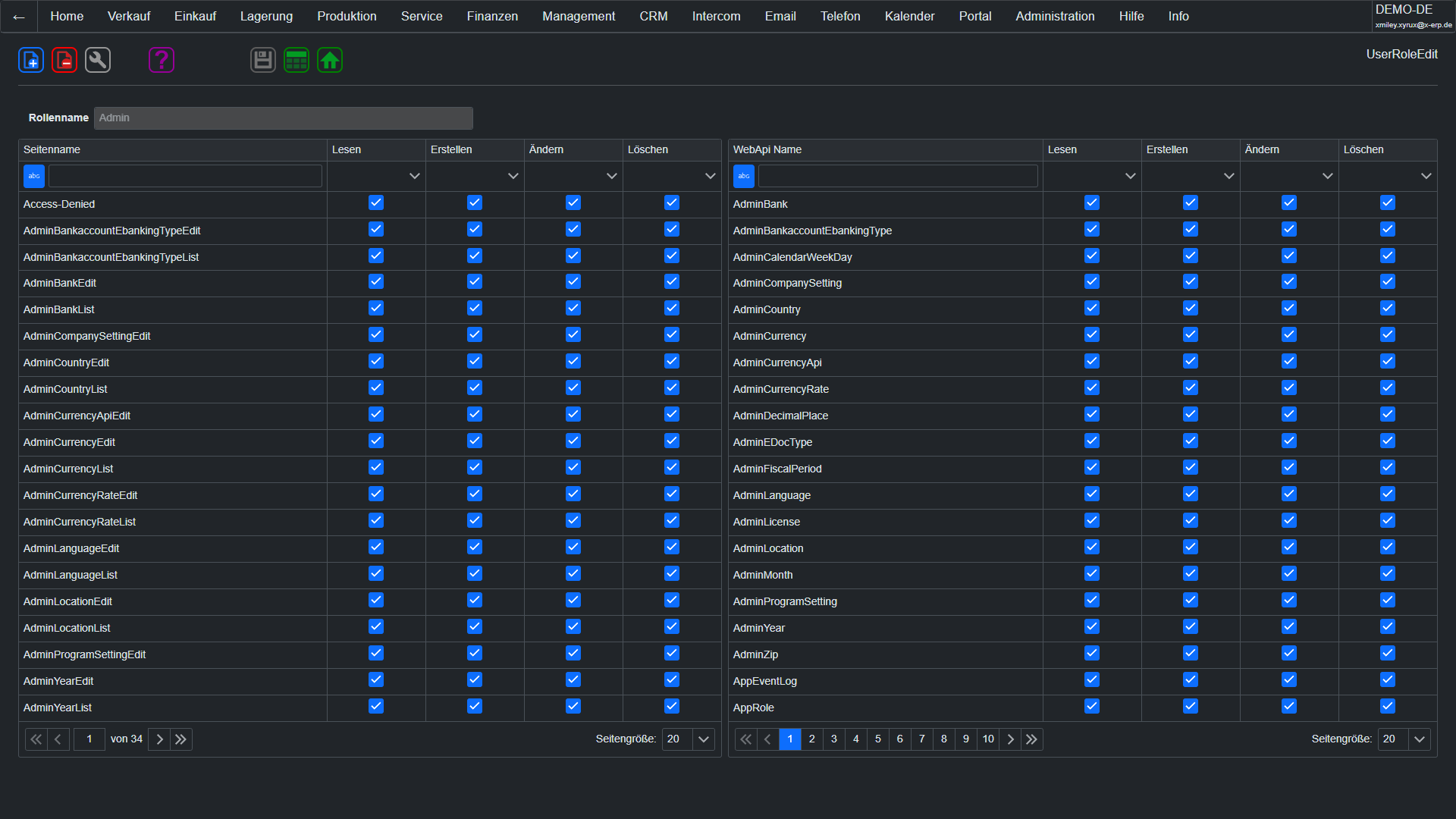
Employees can be assigned to commission groups. These groups can either be assigned company-wide percentages or differentiated rules – for example, by partner group, by product group, or combined across partner and product groups.
In X-ERP, an unlimited number of price lists and discount groups can be created. Price lists in foreign currencies are also fully supported.
Proceed in two steps: Contact your system administrator and ask for a demo version of X-ERP. If they are not yet an X-ERP specialist dealer, we can train them on short notice. If you do not have a system administrator or they cannot provide information about X-ERP, we will gladly connect you with a certified partner. Please describe your requirements as precisely as possible so that we can select the suitable partner for your company. Please use our contact form for this.
Additionally, our video overview with detailed training videos on all areas of X-ERP is available to you – for an even deeper insight.
Direct access to supplementary tools: From the project checklist to translation assistants to the knowledge archive.
Structured questions & tasks to set up projects cleanly.
🗂️ To the checklistTranslates central terms & UI texts into over 50 languages and localizations – suitable for international rollouts.
🌐 To the translatorAlphabetical collection of technical terms with 40 language columns – ideal for reference and comparison.
📖 To the glossaryThe reference work for processes, modules, and best practices – always up-to-date and expandable.
📚 To the wikiComprehensive technical documentation, instructions, and reference material for X-ERP.
Questions to clarify? Technical depth? Live insight? – We are ready. Including test instance & personal contact person.
The most important functions of X-ERP compactly sorted by area.
Evaluate each feature as unnecessary, desired, or mandatory and record the license, maintenance, and setup costs. The calculator shows the cost development over ten years.
License, maintenance, and setup costs separated according to your classification.
| Priority | Features | License | Maintenance | Setup | 10 years |
|---|
License and setup incur in the first year; the monthly maintenance costs increase annually by .
| Year | Maintenance | License | Setup | Total | Progress |
|---|
All modules listed below are included in every X‑ERP Named-User license at no additional cost. Compare what your system costs:
No features found for this filter.
Your entries are automatically stored only in this browser and are not transmitted.
Unnecessary
Desire
Requirement
Still Open
License
Maintenance
Setup
No.
Feature
Description
Features
Priority
10 years
Year
Recurring
Total
Progress
Features and costs in module {module}
{field} for {feature}
Classify {feature} as {priority}
Classify all features in module {module} as {priority}
Priority for module {module}
Cost estimates in module {module}
{count} features
{visible} of {total} features
Do you want to reset all ratings and cost information?
Total costs in year {year}: {total}
Annual increase
Main group
Module
Rating
Maintenance per month
1st year
X-ERP Cost Planning
Exported on
Key figure
Amount
Results
Evaluation
10-year projection
X-ERP Cost Planning
Close dialog
Select the appropriate option.
I already have login credentials
I still need login credentials
You can obtain login credentials from an X-ERP sales partner. If you do not yet have a contact person, we will be happy to connect you with a suitable partner.
X-ERP system architecture
X-ERP · Integrated system architecture
Real-time system network
X-ERP connects all company areas in a common data core.
Skip intro
ONE SYSTEM · ONE DATA CORE
AI
Calendar
Business Intelligence
Intercom
Wiki
Webshop
CRM
Report and Dashboard Designer
Field Service
Portal
Contract Management
Sales
Accounting
Shipping
Helpdesk
Purchase
Warehouse
Packaging
Device Service
Procurement
Production
Time Tracking
Picking
Approvals
Projects
Archiving
Need identified
Availability checked
Procurement triggered
Priority adjusted
Deviation detected
Process optimized
SYSTEM START
Central data core is being initialized
One system · one common data basis
SYSTEM NETWORK
26 functional areas are being connected
Logical process paths are provided
CRM
Customer inquiry has been recorded
Activity and contact data are available systemwide
SALES
Quotation becomes order
The document chain is continued automatically
STOCK
Inventory and availability are checked
The status flows back to sales
PROCUREMENT
Missing material has been detected
Purchasing and production are being prepared
PURCHASING + PRODUCTION
Demand is processed in parallel
Delivery date and capacity are synchronized
PRODUCTION
Completion has been reported to the warehouse
Project and time tracking data are updated
STOCK
Goods are being picked
Inventory is updated in real time
PACKAGING
Shipment is being prepared for dispatch
Packing data is available to shipping
SHIPPING
Delivery and tracking status have been reported
The status flows back to sales
ACCOUNTING
Invoice information has been recorded
Payment status and document chain are updated
BUSINESS INTELLIGENCE
Analysis has been updated in real time
Discrepancies are visible system-wide
X-ERP
Entire system has been synchronized
All areas are working with the same data level
